

AnyTrack screenshots
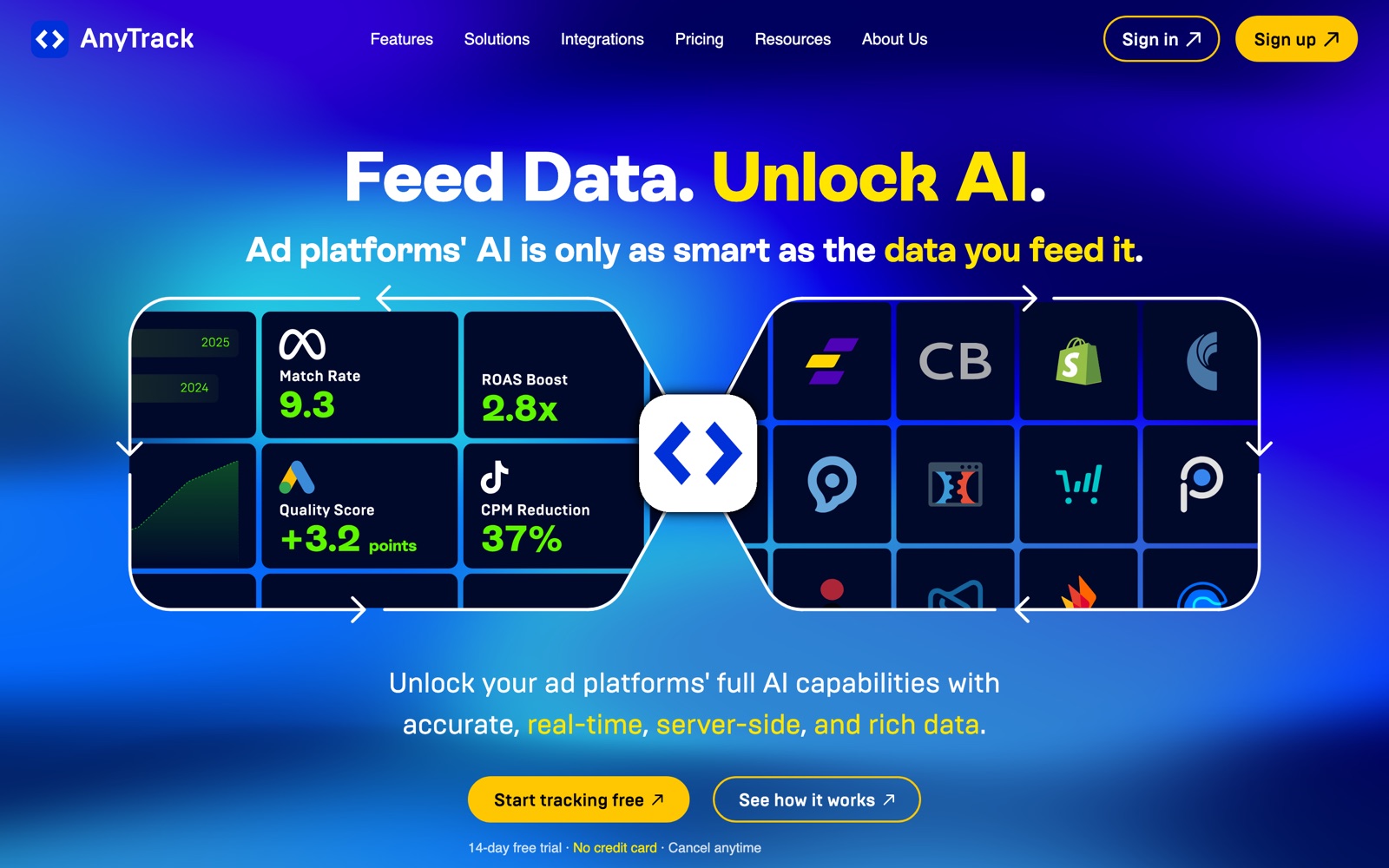
What is AnyTrack?
AnyTrack is a conversion-tracking and attribution service for advertisers. It collects sales, leads and signups from your sites, funnels and affiliate networks, cleans and deduplicates the data, and sends it to ad platforms such as Meta, Google Ads and TikTok in real time.
It exists because signal is leaking. Browsers block third-party cookies and iOS limits tracking, so ad platforms see fewer of your conversions and their bidding gets worse. Sending events from a server, using first-party data, patches part of that gap.
It doesn't try to be a general analytics tool. Think of it as the pipe between your revenue and your ad accounts, plus a report showing which channels earned it. The setup is aimed at marketers, which is why agencies, affiliate operators and DTC brands use it.
AnyTrack lists five audiences on its site: ad agencies, affiliate marketers, e-commerce, info businesses and lead generation. That breadth is the point; the same tag follows a buyer from ad click to checkout to an off-site affiliate offer.
A note on shelf life: plan limits and integration counts change. Confirm them on anytrack.io/pricing, and expect the list of ad platforms to grow.
How AnyTrack works
You add the AnyTrack tag to your site (directly or through a tag manager) and connect the tools where conversions happen: a store, a form tool, a checkout page or an affiliate network. AutoTrack picks up common events like form submissions, add-to-cart and outbound clicks without code.
When a visitor converts, AnyTrack matches the event to the click that brought them, deduplicates it across sources and enriches it with first-party data. Cross-domain tracking, on Personal and above, keeps that identity as the visitor moves between your domains.
It then posts the conversion to each connected ad platform's server API in real time, so Meta or Google can learn from it even if the browser blocked the pixel. Advance removes the cap on Conversion API integrations.
The dashboard reports revenue and return on ad spend by channel using actual sales, not platform-reported numbers, and Personal and above can send the same data to Google Analytics 4 or an outgoing webhook.
AnyTrack pricing
AnyTrack has a free plan you can start on today. Here's where it runs out and what the paid tiers cost.
Free is $0 and stays free. It covers 5,000 sessions a month, one website, one ad-platform integration and one conversion source, with AutoTrack, server-side and cookieless tracking and basic reporting. It's enough to prove the setup on a small site.
Starter is $100 a month: 100,000 sessions, 2 team members, all six major ad platforms, 100+ integrations and the real-time Conversion API. Personal is $150 a month for 500,000 sessions, 3 websites with cross-domain tracking, Google Analytics 4 and 2 outgoing webhooks. Advance is $300 a month for 3M sessions, 10 websites, 10 team members, unlimited Conversion API integrations, dedicated support and personalized onboarding.
All paid plans have a 14-day trial with full features and no card. Annual billing gives a discount of about two months. Sessions above your cap keep tracking and are billed at the end of the period at $0.20 to $0.40 per 1,000, and on Advance an extra website is $30 a month.
Judge the price against ad spend, not traffic. If you spend a few thousand dollars a month on ads and lose a share of conversions to tracking gaps, $100 to $150 pays for itself quickly. If you spend $300 a month, use the free plan.
Prices change often. Check the current plans on the official site before you pay.
See AnyTrack pricingAnyTrack features
- AutoTrack: conversion tracking without code
- Server-side and cookieless tracking, with first-party data
- Real-time Conversion API delivery to ad platforms
- Cross-domain tracking (Personal plan and up)
- Deduplication and enrichment of events across sources
- Multi-channel attribution across paid, organic, email and affiliate traffic
- Integrations with Shopify, WooCommerce, ClickFunnels, HubSpot, Thrivecart and affiliate networks such as ClickBank, Awin and Everflow
- Google Analytics 4 integration and outgoing webhooks
The value is in the plumbing: server-side delivery, deduplication and a long list of ready-made connectors to ad networks, stores and affiliate networks. Cross-domain tracking matters for funnels that hop between checkout and offer pages, and Advance's unlimited Conversion API integrations matter for agencies feeding many ad accounts.
How to set up AnyTrack
- 1
Create a free account
Sign up at anytrack.io with Google, Facebook or email, and add your website. The free plan covers one site, which is enough to test.
- 2
Install the tag
Add the AnyTrack tag to your site or through your tag manager, then confirm it fires on a test visit.
- 3
Connect where conversions happen
Link your store, form tool, checkout or affiliate network so sales and leads reach AnyTrack. Start with the one that produces revenue.
- 4
Connect an ad platform
Authorize Meta, Google Ads or TikTok and choose which events to send. The free plan allows one platform.
- 5
Send one test conversion end to end
Make a test purchase or submit a form, then check the event in AnyTrack and in the ad platform's event log. Fix mismatches before you spend.
- 6
Compare against your ad account
After a week, compare AnyTrack's revenue with the ad platform's reported conversions. The gap is the tracking loss you're recovering.
- 7
Upgrade when you hit a limit
Move to Starter for more sessions and platforms, Personal for cross-domain and GA4, Advance for many sites and seats. Watch the session counter during big campaigns.
What people use AnyTrack for
Shopify stores running Meta ads
Send purchases from the server so Meta's optimization sees them even when a browser blocks the pixel. The catch: you still need a clean product feed and events.
Affiliate marketing funnels
Track a click through a landing page to a sale on a network like ClickBank or Awin and feed it back to your ads, even though the sale happens on someone else's site.
Agency reporting
Show a client one view of revenue by channel across several sites. Advance covers 10 websites and 10 team members.
Lead generation
Report qualified leads, not just form fills, back to Google Ads so it bids for the right people. That needs your CRM stage sent as an event.
Info-product funnels
Follow a buyer from opt-in to checkout to upsell across tools and domains, which is what cross-domain tracking on Personal is for.
Recovering iOS signal loss
Compare AnyTrack's server-side numbers with the pixel-only count in Meta. The difference shows how much your bidding was missing.
Sending data to GA4
Use AnyTrack as the source of truth for revenue events, then forward them to Google Analytics 4 for reporting your team already uses.
AnyTrack vs Hyros
If you're weighing AnyTrack against Hyros, both live in someone else's cloud, so it comes down to price, fit and how much you'd have to move.
| Aspect | AnyTrack | Hyros |
|---|---|---|
| Price to start | Free · paid from $100/month | From $69/month |
| Free plan | Yes | No |
| Self-hosting | No | No |
| Your data | In their cloud, exportable | In the vendor's cloud |
Hyros figures are from its pricing page, checked 2026-09-30.
All Hyros alternativesAnyTrack next to similar tools
- AnyTrack vs Google Analytics
- GA4 is free and reports on traffic and behavior. AnyTrack sends accurate conversions to ad platforms and reports attribution by channel. Use GA4 for site analytics and AnyTrack to feed your ad accounts.
- AnyTrack vs Triple Whale
- Triple Whale is an e-commerce analytics dashboard built around Shopify brands. AnyTrack is broader on funnels and affiliate offers and starts free, so it suits marketers who sell outside a single store.
- AnyTrack vs Hyros
- Hyros targets high-ticket and call-driven funnels and costs more. AnyTrack is the lower-cost, no-code option; compare both if you rely on phone calls to close sales.
- AnyTrack vs RedTrack and Voluum
- RedTrack and Voluum are affiliate and media-buyer trackers built around campaign links and traffic sources. AnyTrack leans on a tag plus integrations, which is easier to start with but less granular for heavy media buying.
- AnyTrack vs building server-side tracking yourself
- Google Tag Manager server containers and Meta's Conversions API can do the same job with developer time. AnyTrack trades that time for a monthly fee and prebuilt connectors.
Bottom line
Our take on AnyTrack
If you buy ads and don't trust the numbers your platforms report, start on AnyTrack's free plan, wire up one conversion and compare it with what the ad account shows. Move to a paid plan once events flow and you're spending enough for the gap to matter. If you don't run paid ads, you don't need it.
 ChatGPT
 Claude
 Perplexity
 Grok
Grok