
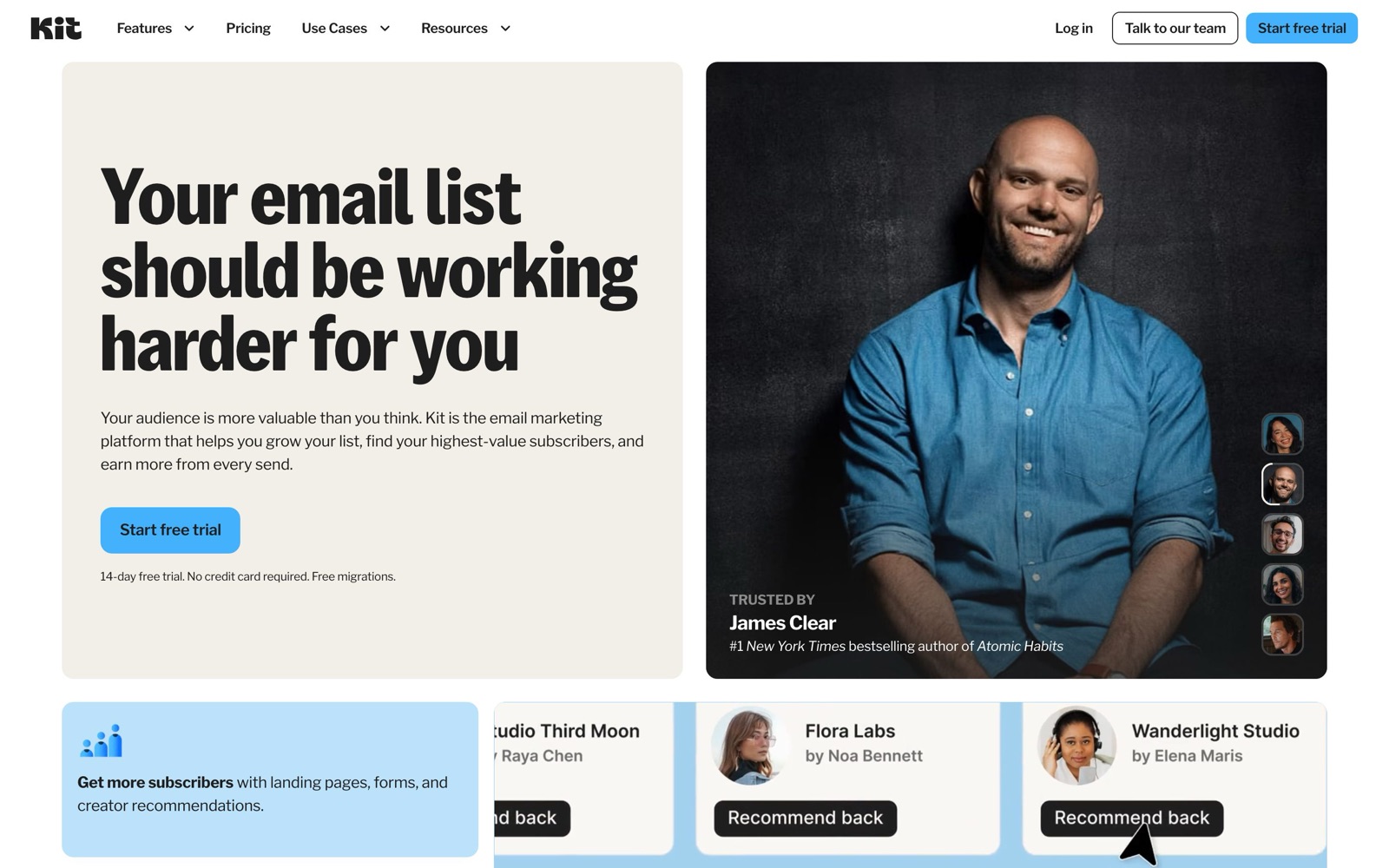
Kit pricing starts at $0: the Free plan covers up to 10,000 subscribers with unlimited forms, landing pages and newsletters. You pay once you want automation: Creator is $39 a month at 1,000 subscribers and $139 at 10,000, billed monthly. Pro, the only plan with more than two users, runs $79 to $189 across the same range. Yearly billing takes about 17% off, and sales carry a 3.5% + 30¢ fee.
We read every number below from kit.com/pricing on October 5, 2026, with the billing toggle set both ways and the subscriber slider stepped from 1,000 to 25,000. Kit used to be called ConvertKit; the plans are the same product under the new name. Nobody on our side ran a paid Kit account for this post, so the costs are list prices, and the scenarios are our own arithmetic, labelled as such.
What this post adds to Kit’s own page: the whole price ladder in one table (Kit shows one tier at a time), the all-in cost for three kinds of creator, the fees that sit on top, and the plan we’d pick at each stage.
Kit pricing at a glance
Kit has three plans. Every price depends on how many active subscribers you have, so the table shows the entry point at 1,000 subscribers and what changes between plans. The Kit tool page keeps the same facts as a reference.
| Plan | Monthly billing (1,000 subs) | Yearly billing (1,000 subs) | Users | What it adds |
|---|---|---|---|---|
| Free | $0 | $0 | 1 | Unlimited landing pages, forms and broadcasts; tags and segments; sell digital products; free up to 10,000 subscribers |
| Creator | $39/month | $390/year ($33/month) | 2 | Unlimited Visual Automations and sequences, Kit MCP, integrations, RSS campaigns, SMS, branding removal, 24/7 support |
| Pro | $79/month | $790/year ($66/month) | Unlimited | Subscriber Signals, engagement scoring, deliverability reporting, content A/B tests, Facebook custom audiences, referral program, priority support |
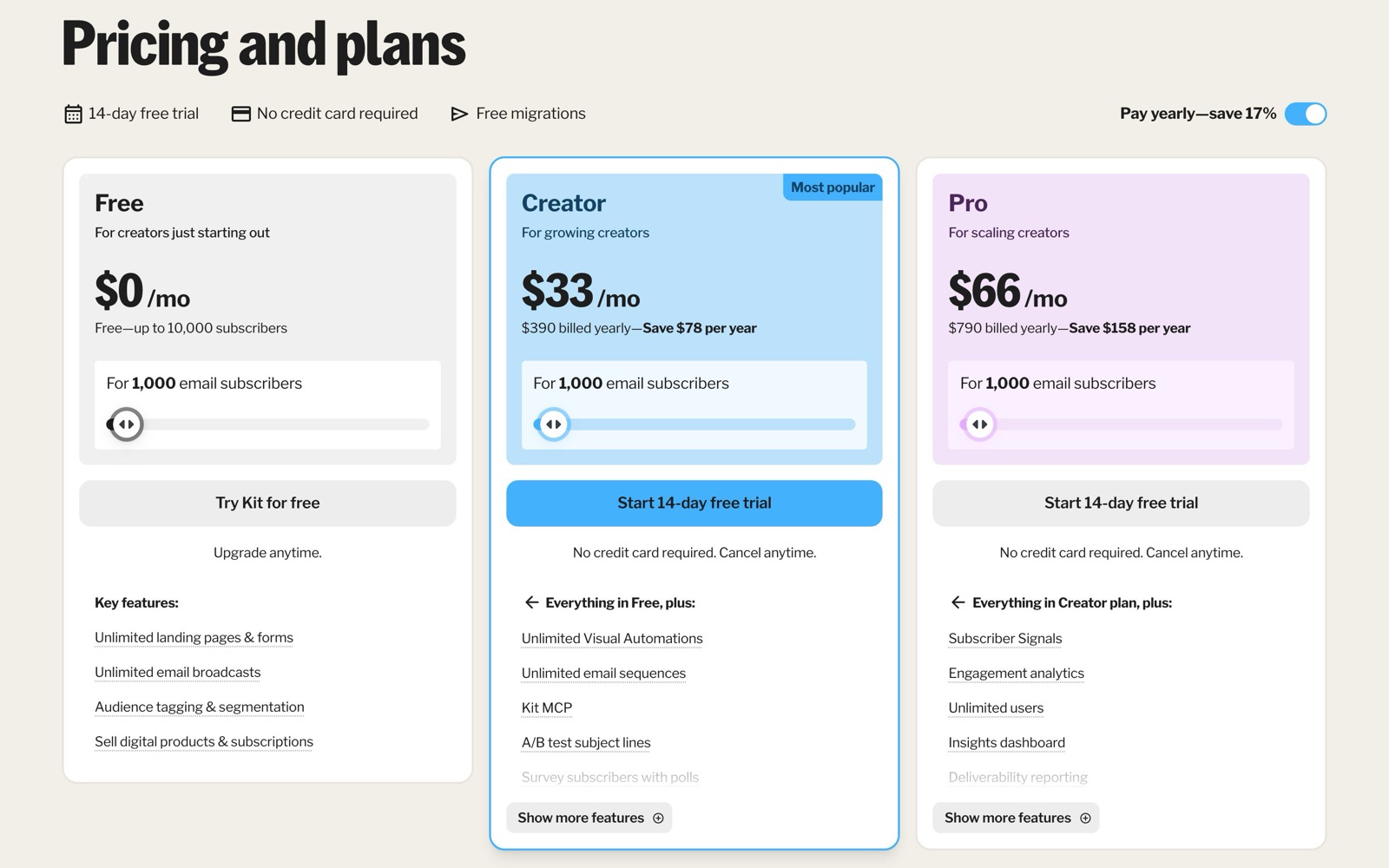
Both paid plans have a 14-day free trial that doesn’t ask for a card. When it ends, Kit’s FAQ says you either add a card to keep the plan or continue on Free.
What each Kit plan leaves out
The Free plan is large on list size and small on automation. It has no Visual Automations, no email sequences, no RSS campaigns, no App Store integrations and no Kit MCP, and it keeps Kit’s branding on your emails and pages. One person can log in. For a weekly newsletter that you write and send by hand, none of that matters. For a welcome series, a launch funnel or a lead magnet that should trigger follow-ups, it’s the whole reason to pay.
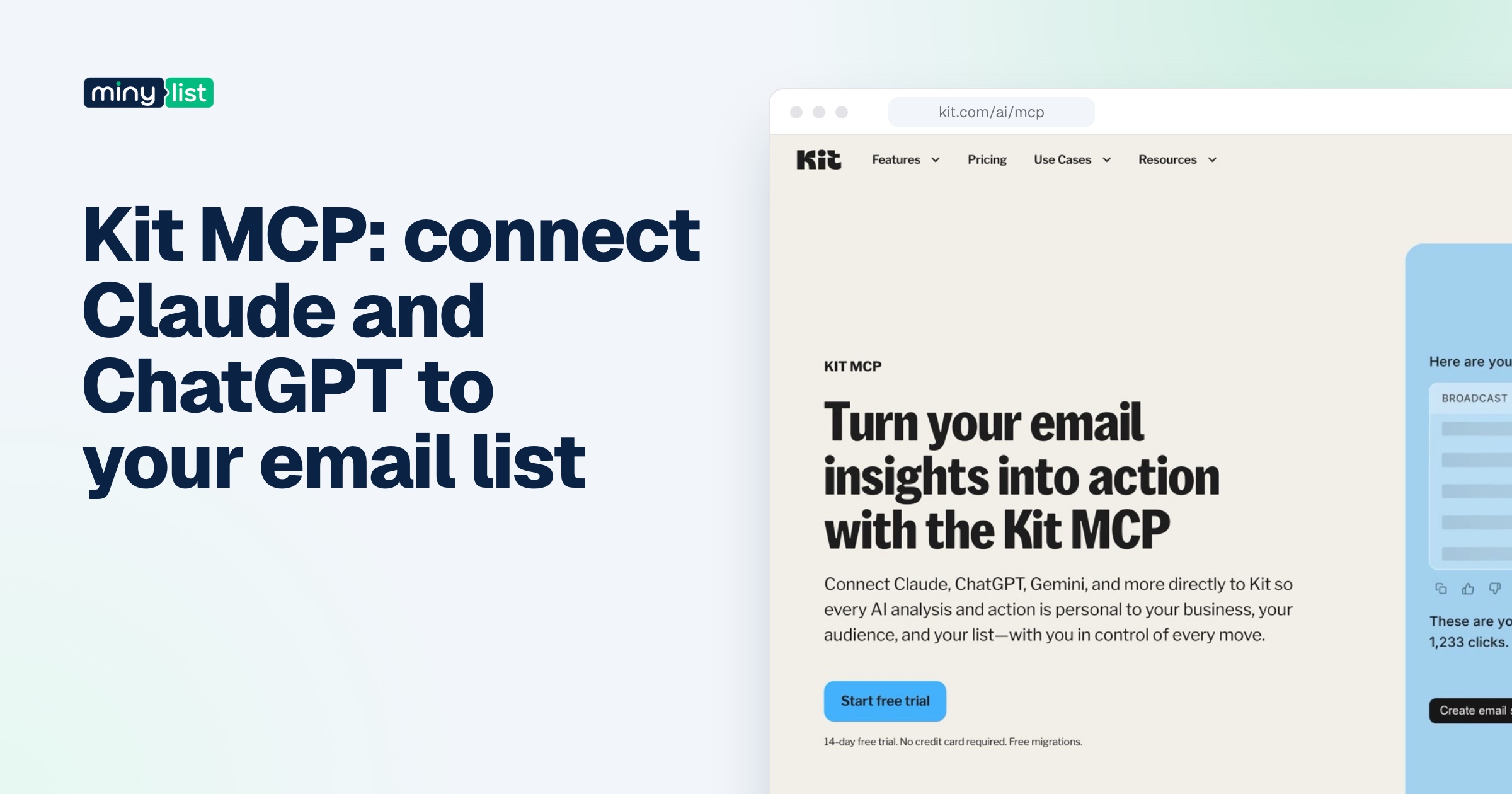
Creator unlocks the automation side: unlimited Visual Automations and sequences, subject-line A/B tests with two variants, polls, SMS marketing, the App Store, RSS-to-email and the Kit MCP for AI assistants. Its limit is people. Two users can share the account, which is fine for a creator and an assistant and tight for anything bigger.
Pro is where the analysis tools live. Subscriber Signals shows demographics and social reach behind each email address, engagement scoring ranks subscribers, and deliverability reporting breaks results down by inbox provider. It also adds collaborative editing, content A/B tests with up to five subject lines, a newsletter referral system through a free SparkLoop plan, and editing links in emails you already sent. Unlimited users are the reason most teams end up here, not the reports.
Some things are on every plan, Free included: the API, custom HTML templates, conditional content with Liquid, and selling digital products, paid newsletters, subscriptions and tips.
What Kit costs at your list size
Kit’s page shows one tier at a time behind a slider. We stepped through it and copied each price. Monthly prices are what you pay billed month to month; yearly is the annual invoice.
| Subscribers | Creator monthly | Creator yearly | Pro monthly | Pro yearly |
|---|---|---|---|---|
| Up to 10,000 on Free | $0 | $0 | – | – |
| 1,000 | $39 | $390 | $79 | $790 |
| 3,000 | $59 | $590 | $99 | $990 |
| 5,000 | $89 | $890 | $139 | $1,390 |
| 10,000 | $139 | $1,390 | $189 | $1,890 |
| 25,000 | $199 | $1,990 | $279 | $2,790 |
| 45,000 | $319 | – | $447 | – |
| 95,000 | $619 | – | $807 | – |
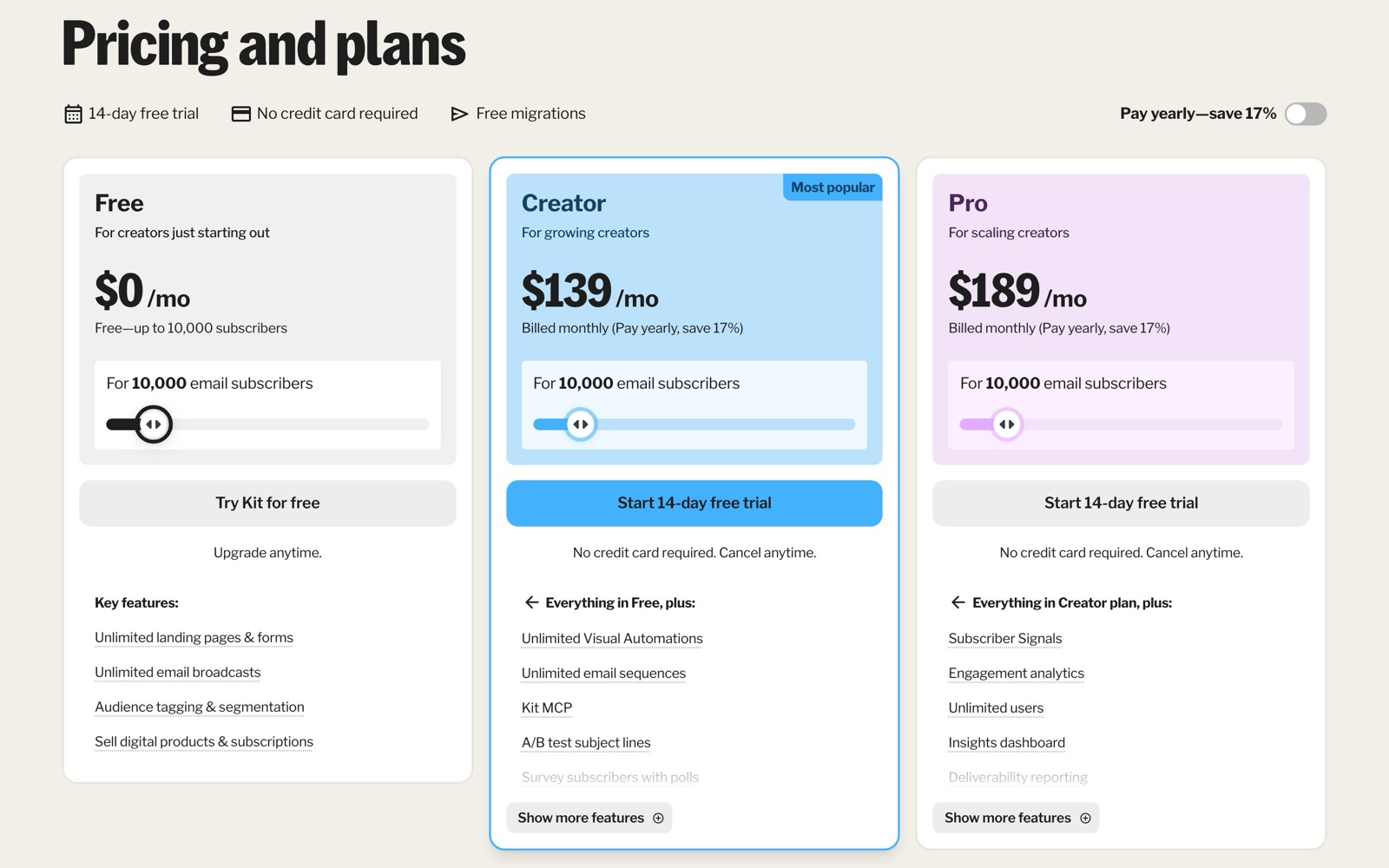
Two rules shape the bill. Kit counts unique, active subscribers, so a person who joined through three forms counts once. And when you cross a tier, Kit upgrades you to the next one automatically and keeps sending. Going back down after a list clean-up isn’t automatic: Kit’s FAQ says to email [email protected] so the team can adjust the plan by hand. If you’re about to delete a few thousand cold subscribers, send that email the same day.
There are no sending caps. Mailchimp’s paid plans, by contrast, cap monthly sends at 10, 12 or 15 times your contact count depending on the plan, according to Mailchimp’s own help center. On Kit, sending twice a week instead of once doesn’t change the price.
All-in cost for three kinds of creator
These are hypothetical creators, built from Kit’s list prices so you can find the one closest to you. “All-in” includes the sales fee where the creator sells something.
| Who | Plan | Billing | Kit plan cost | Fees on top | Year one, all-in |
|---|---|---|---|---|---|
| A writer with 2,000 subscribers and a weekly newsletter, no automation | Free | – | $0 | None | $0 |
| A course creator with 3,000 subscribers, a welcome sequence, selling 20 courses at $100 in the year | Creator | Yearly | $590 | 20 × ($3.50 + $0.30) = $76 | $666 |
| A team of three running a 10,000-subscriber newsletter with a paid tier (100 readers at $10/month) | Pro (three users rule out Creator) | Yearly | $1,890 | 1,200 payments × $0.65 = $780 | $2,670 |
The middle row is where most paying Kit users sit. The plan is the main cost and the course fees are small. The third row shows what a team changes: three people can’t share Creator’s two seats, so the newsletter jumps to Pro and $500 a year more than Creator at the same list size. If only two people need to log in, Creator covers them and the gap closes.
Monthly vs yearly billing on Kit
Yearly billing saves about 17% on both paid plans. In dollars, by our arithmetic from the table above:
- Creator at 1,000 subscribers: $468 a year paid monthly, $390 yearly. You save $78.
- Creator at 10,000: $1,668 against $1,390. You save $278.
- Pro at 10,000: $2,268 against $1,890. You save $378.
- Creator at 25,000: $2,388 against $1,990. You save $398.
Pay monthly for the first few months if your list is growing fast. Kit moves you up a tier automatically when you pass a limit, and a yearly plan bought at 3,000 subscribers won’t stay at that price if you reach 5,000 by spring. Once the list is stable, switch to yearly. Kit’s refund window is 30 days from when you sign up for the account, and the terms say cancelling later doesn’t refund the rest of the period, so don’t buy a year on day 40 to test something.
The fees on top: sales and Paid Recommendations
Kit takes 3.5% + 30¢ on each product, paid newsletter or subscription payment, and the pricing page says that figure includes card processing. It’s the same on Free, Creator and Pro. Paid Recommendations, where other newsletters pay you for sending them subscribers, carries a 23.5% Kit fee on what you earn.
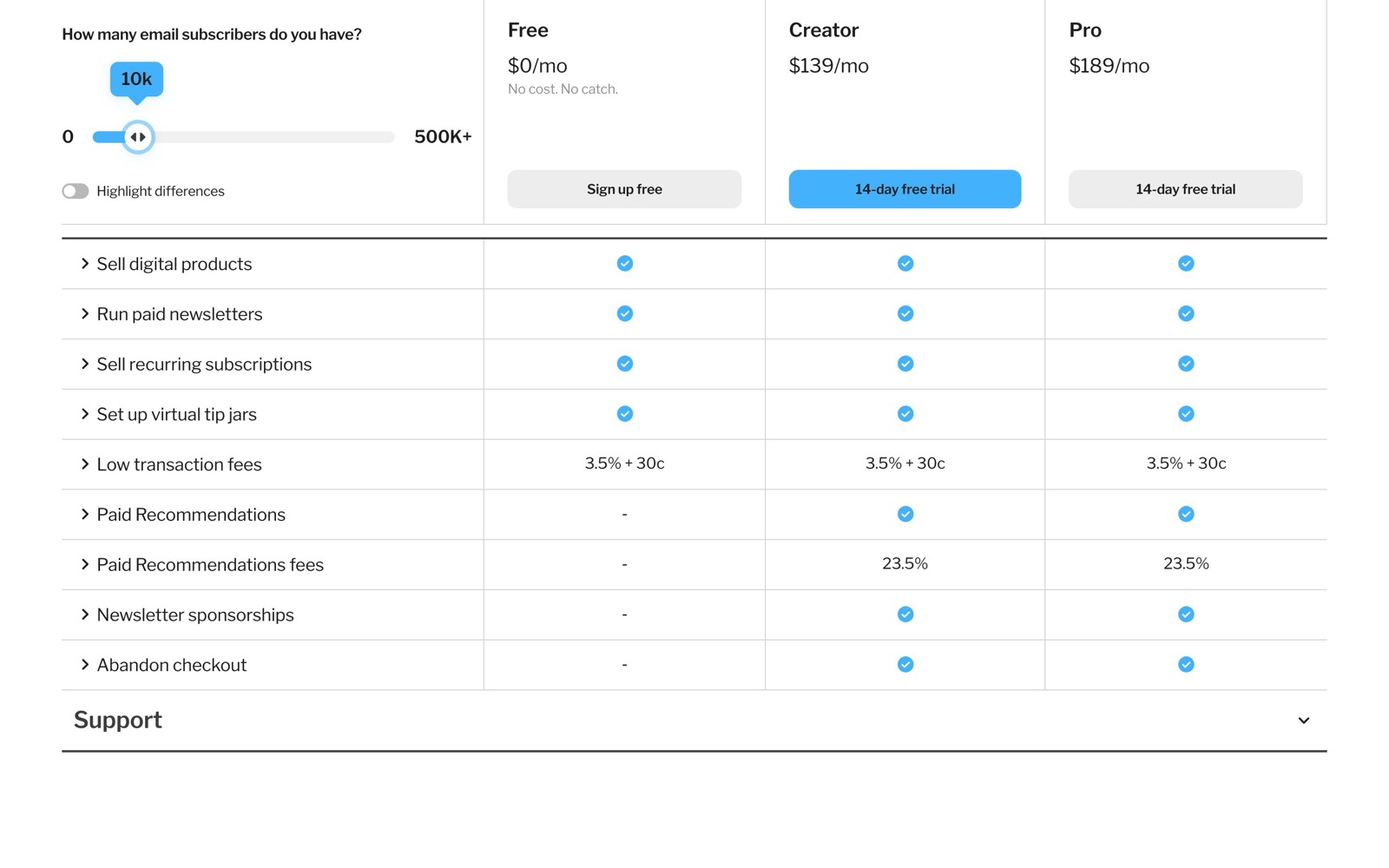
How that compares on one $10 subscription payment, using each company’s own published fees:
| Platform | What it takes on a $10 payment | 100 paid readers, per month |
|---|---|---|
| Kit | 3.5% + $0.30 = $0.65 (card processing included) | $65 |
| beehiiv | 0% platform fee; Stripe’s 2.9% + $0.30 = $0.59 | $59 |
| Substack | 10% + Stripe 2.9% + $0.30 + 0.7% Billing = $1.66 | $166 |
Sources: beehiiv’s pricing FAQ states the 0% take rate, and Substack’s help center lists its 10% and Stripe’s fees. At 100 paying readers, Kit’s fee is close to beehiiv’s and well under Substack’s. The plan price is the difference: beehiiv’s paid subscriptions start on Lite at $49 a month billed yearly, and Substack charges nothing to publish.
One limit sits outside the price. Kit Commerce pays out through Stripe connected accounts, and Kit’s terms list the supported countries. India isn’t on that list, so a creator based there can send newsletters on Kit but has to sell through another checkout.
How not to overpay for Kit
- Stay on Free until you need a sequence. A list under 10,000 that gets a hand-written newsletter costs nothing. Upgrade the week you build your first automation, not before.
- Clean the list before your tier rolls over. Unsubscribing people who haven’t opened in six months can keep you under 5,000 or 10,000. Then email [email protected], because Kit won’t move you down by itself.
- Use the trial for the work that needs paying for. Build the welcome sequence and automations during the 14 days, so you know Creator is the plan you need before the first charge.
- Don’t buy Pro for one extra seat if a contractor can work from exports. Pro costs $40 to $80 a month more than Creator between 1,000 and 25,000 subscribers. If a third person only reads reports, share the numbers instead.
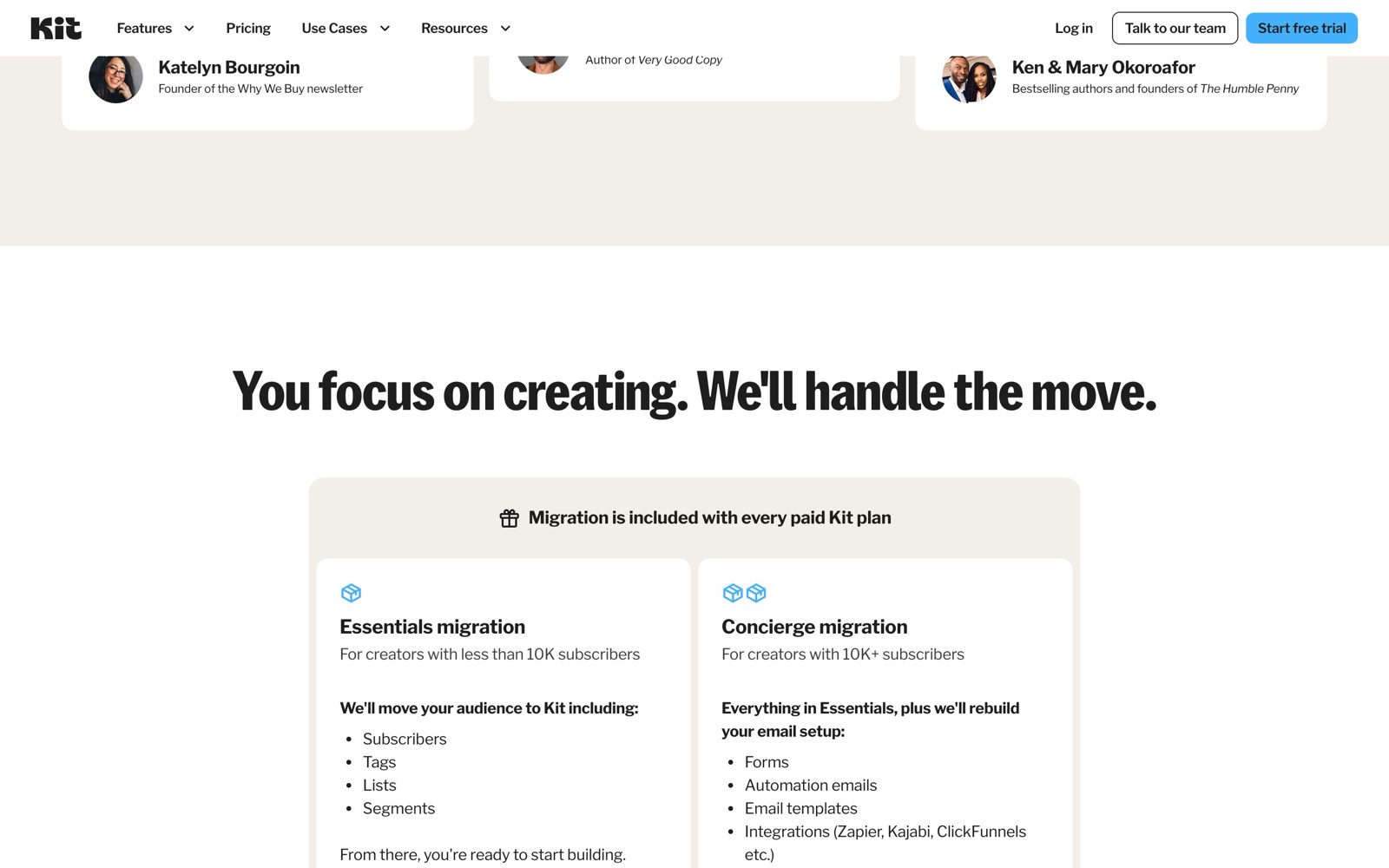
- Ask for the free migration. It’s included on paid plans: under 10,000 subscribers Kit moves subscribers, tags, lists and segments in 2 to 5 business days, and above that it also rebuilds forms and automations.
- Watch for the Black Friday deal. Kit’s affiliate program hub says Kit discounts only once a year, for Black Friday. If you’re deciding in November, wait for it.
Cheaper alternatives to Kit
Each price here comes from the vendor’s own page on October 5, 2026.
- MailerLite is free up to 250 subscribers and 2,500 emails a month. Comfort is $12 a month (or $10.80 billed yearly) for 500 subscribers, 5,000 emails and 50 automations, per MailerLite’s pricing. It’s cheaper than Kit for small lists that need automation, but it caps sends on its lower plans.
- beehiiv is free up to 2,500 subscribers. Lite, which adds automations and paid subscriptions, is $49 a month billed yearly at 1,000 subscribers, and it takes 0% of paid subscription revenue. It’s the pick if your newsletter is a publication with a website and ads.
- Mailchimp is free up to 250 contacts and 500 sends a month. Its paid prices vary by region (its page showed us local prices from India), so check them yourself; its help center lists the send caps and seat limits. Our Mailchimp alternatives page lists its plans next to Kit’s.
- Substack costs nothing to publish and keeps 10% of paid subscriptions. It has no automations or landing pages, but it has a reader app and network.
If you’re comparing several of these, our ranking of the best email marketing for creators puts them side by side by job.
Which Kit plan should you pick?
- Free, if you send a newsletter by hand to fewer than 10,000 people and work alone. Most new creators should start here.
- Creator, the moment you want a welcome sequence, a funnel for a course or ebook, or Kit connected to WordPress, Shopify or an AI assistant. Yearly once your list growth slows.
- Pro, if three or more people need logins, or if your list is large enough that engagement scoring and deliverability reports change what you send. At 10,000 subscribers it’s $50 a month more than Creator.
- Something else, if you sell from India or another country Stripe connected accounts don’t support (Kit can’t take your payments), or if all you want is a free publication with a reader network (Substack).
Our take: for most creators, Creator billed yearly is the right plan, bought the week the first automation goes live. The free plan is the best reason to start on Kit, and the tier ladder is the cost to watch as the list grows.
For the rest of a solo business’s toolkit, see the must-have tools for founders and the stack for freelancers, where Kit is the email pick.


 ChatGPT
 Claude
 Perplexity
 Grok
Grok