




The best AI agents for creative agencies are the ones that take one job off a busy team, so the short answer to “what is the best AI agent for creative agencies?” is a pair, not a single tool. For client video, start with HeyGen and its Video Agent: a free plan to test, $29 a month for Creator. For paid-social ad variants, Arcads. For the back office (weekly reports, billing chasers, approvals your clients can see), Squad at $99 a month plus the AI plan you already pay for. The catch with all of them is the meter: credits or seats decide the bill, not the sticker price.
We built this list from the vendors’ own pricing pages, docs and use-case pages, checked on October 1, 2026. We haven’t run client work through any of these tools, so capability claims are the vendors’ unless we say otherwise.
Why most “best AI agent” lists don’t fit an agency
Search this question today and nearly every result is written by a company that sells an agent and ranks itself first. The top result, a March 2026 roundup from Superside, puts Superside’s own Brand Brain at number one, then Jasper, Adobe Firefly, Runway, Canva and Notion AI. It’s a fair list of creative tools. It says nothing about the half of agency work that isn’t making things: the Monday report, the invoice that’s 20 days late, the client who wants to see progress without a login.
An agency’s week splits roughly in two. One half is production: videos, ads, social posts, decks. The other half is operations: reporting on spend, chasing payments, writing up calls, answering “where are we on this?” in Slack. An AI agent earns its seat when it owns a repeatable job in either half, runs it on its own, and stops to ask before anything reaches a client.
So we ranked agents by agency job. Production comes first, because creative work is what an agency sells. Operations come next, because that’s where the hours leak.
How we chose
Every pick had to clear four bars:
- It’s an agent, not a feature. It takes a goal (“a 60-second explainer for this product”, “Monday’s spend report”) and decides the steps, rather than waiting for you to click through an editor.
- The price is public, or the vendor says plainly that it isn’t. Arcads made the list without public prices, and we say so in its section.
- There’s a human checkpoint. Before anything reaches a client or an ad account, you can review it.
- It’s in our catalog with a full tool page, so you can check every fact we quote against the vendor’s pages, the limits and the alternatives.
What we left out on purpose: design generators such as Canva and Adobe Firefly. They’re good tools and they appear in the other lists, but they’re image and layout tools first. We haven’t verified their current pricing for this post, and we’d rather add them later with checked numbers than quote someone else’s.
1. HeyGen: best for client video
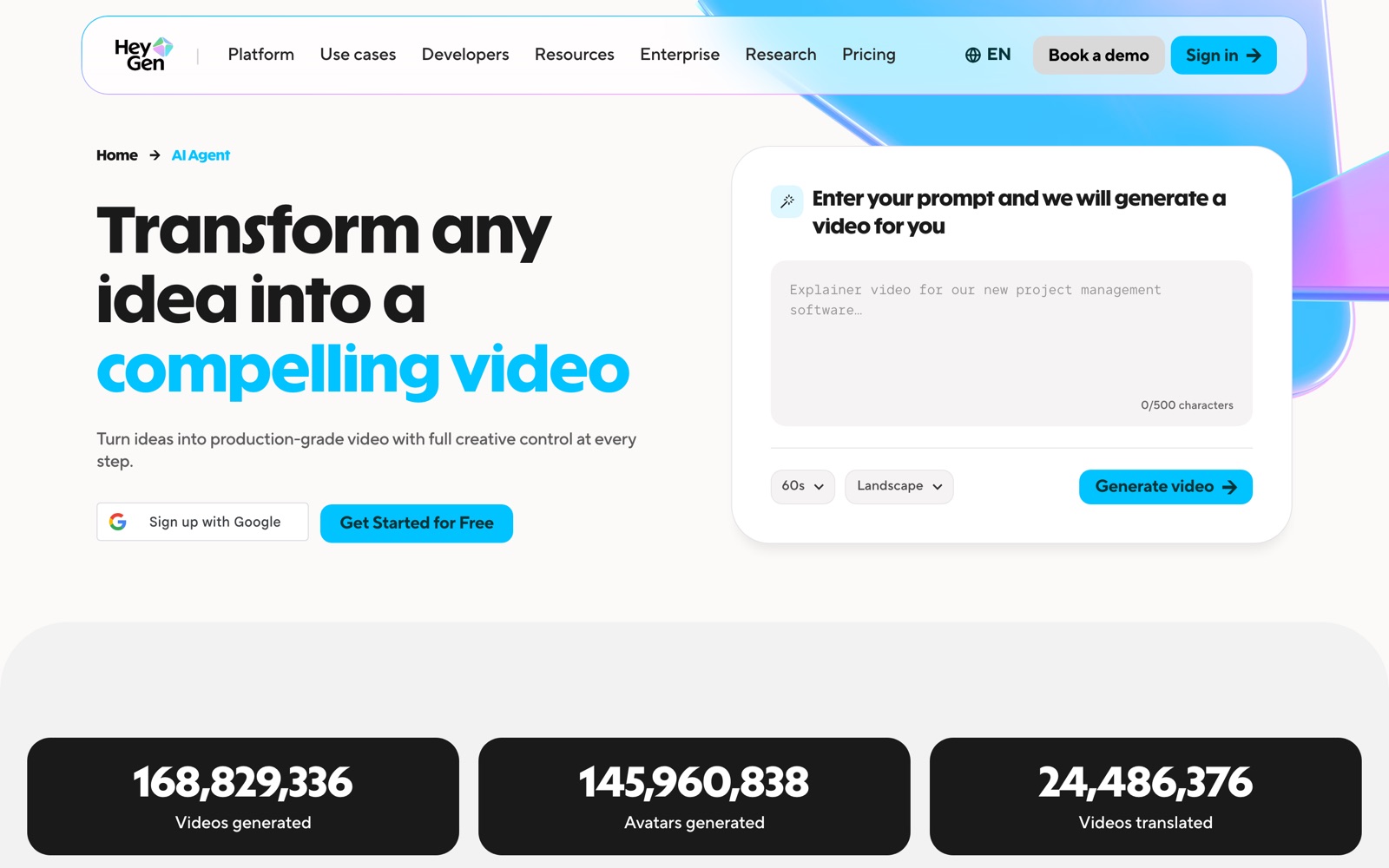
HeyGen turns a script into a presenter video with an AI avatar, and translates finished videos with lip-sync. Its Video Agent is the agent part: you type a prompt such as “Explainer video for our new project management software”, pick a length and orientation, and it builds the video, with motion graphics, A-roll and B-roll, in 1080p or 4K. HeyGen calls it “a creative agent that does the work for you”.
For an agency, the useful parts are the brand kit and translation. You define a client’s visual identity once, and HeyGen applies it to motion graphics, text overlays and colour. A finished video can then be dubbed and lip-synced into 175+ languages on paid plans, which turns one English explainer into a set for a client’s regional teams.
Price. From HeyGen’s pricing page, checked September 30, 2026:
- Free: $0, no card, up to 3 videos a month, each up to a minute, 1080p. Video Agent, Avatar IV and lip-sync translation are trial access only.
- Creator: $29 a month, or $24 billed annually, with 600 credits, videos up to 30 minutes and no watermark.
- Pro: from $49 a month with 1,000 credits and 4K export.
- Business: $149 a month plus $20 for each extra seat, with SSO and video comments, which is the plan that makes sense once clients review cuts inside HeyGen.
The catch. Credits, not minutes, set the bill, and HeyGen doesn’t publish what a Video Agent video costs in credits. Monthly plans roll unused credits over for one month; annual plans keep them until renewal; cancelling wipes them. Render one real client script on Creator and read the credit count before you quote a retainer around it.
Pick something else if your clients want UGC-style ads for TikTok and Meta rather than presenter videos. That’s what Arcads is for, and we compare the two directly in Arcads vs HeyGen.
2. Arcads: best for ad creative at volume
Arcads makes short video ads spoken by AI actors, built for paid social. Its agent is called Mark: you paste a product link, Mark reads the page, drafts hooks and scripts, and generates a first set of ads. From there you edit in Studio, with captions, B-roll, music and actor swaps, and dub into 30+ languages.
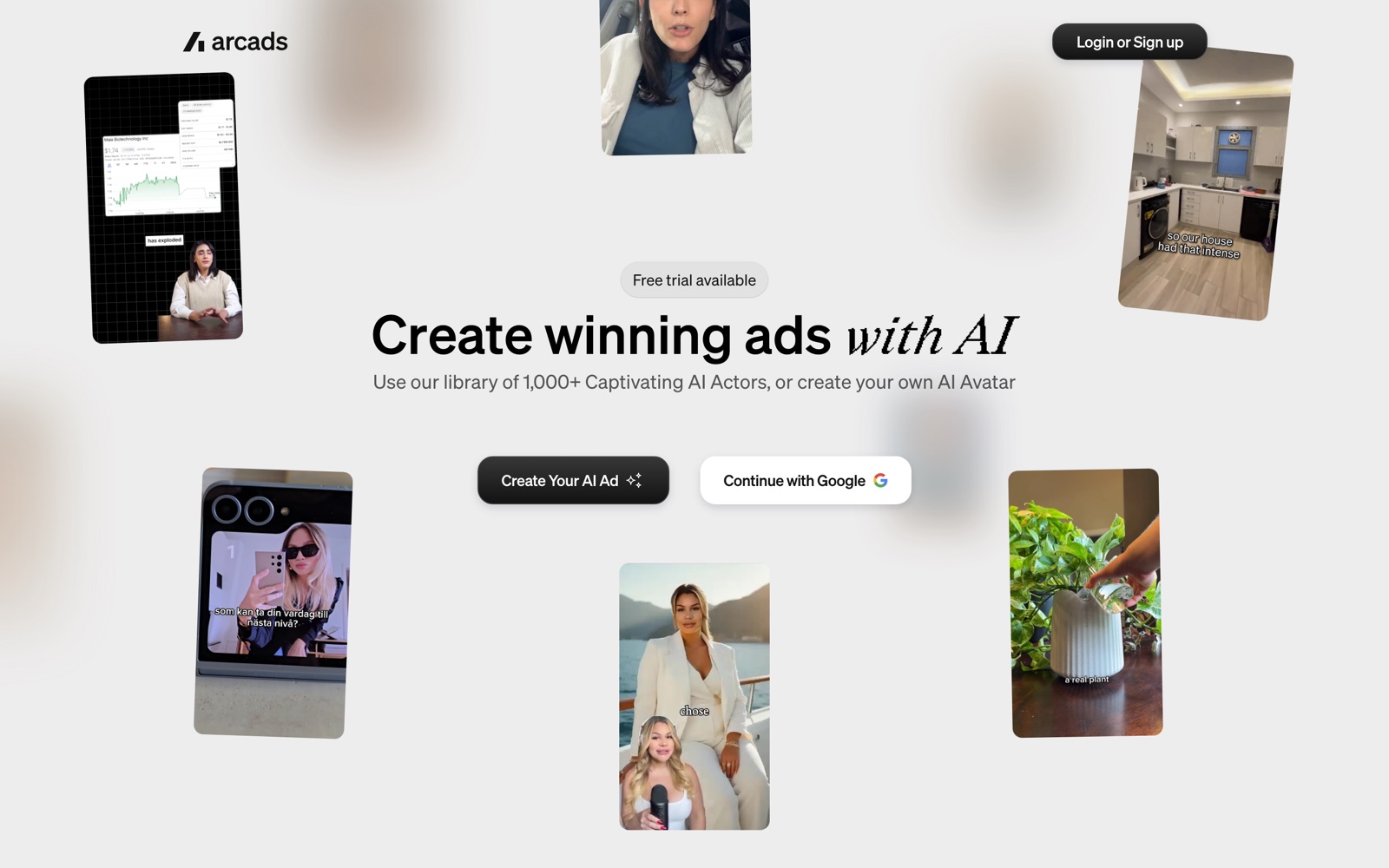
This is the agent for a performance agency. Ad testing is a volume game, and the bottleneck is usually getting twenty hook variants in front of an audience by Thursday. Arcads has a library of 1,000+ actors, plus custom avatars that can hold a client’s product, so you can test angles without booking creators for every round.
Price. Arcads doesn’t publish plan prices. You create an account, start the free trial, and see the plans inside the app. Third-party blogs quote figures, but they disagree with each other, so we won’t repeat them. What Arcads’ own pages make clear is that each finished video costs credits, and there’s no volume discount until you negotiate a custom plan.
The catch. You can’t budget a client retainer around Arcads until you’ve seen your own price. Budget by finished ads a month, then add room for retakes and hook variants, which is where most credits go.
Pick something else if the client needs a polished brand video, a training clip or a translated presenter piece. HeyGen covers more of that work, publishes its prices and has a free plan.
3. Squad: best for the agency back office
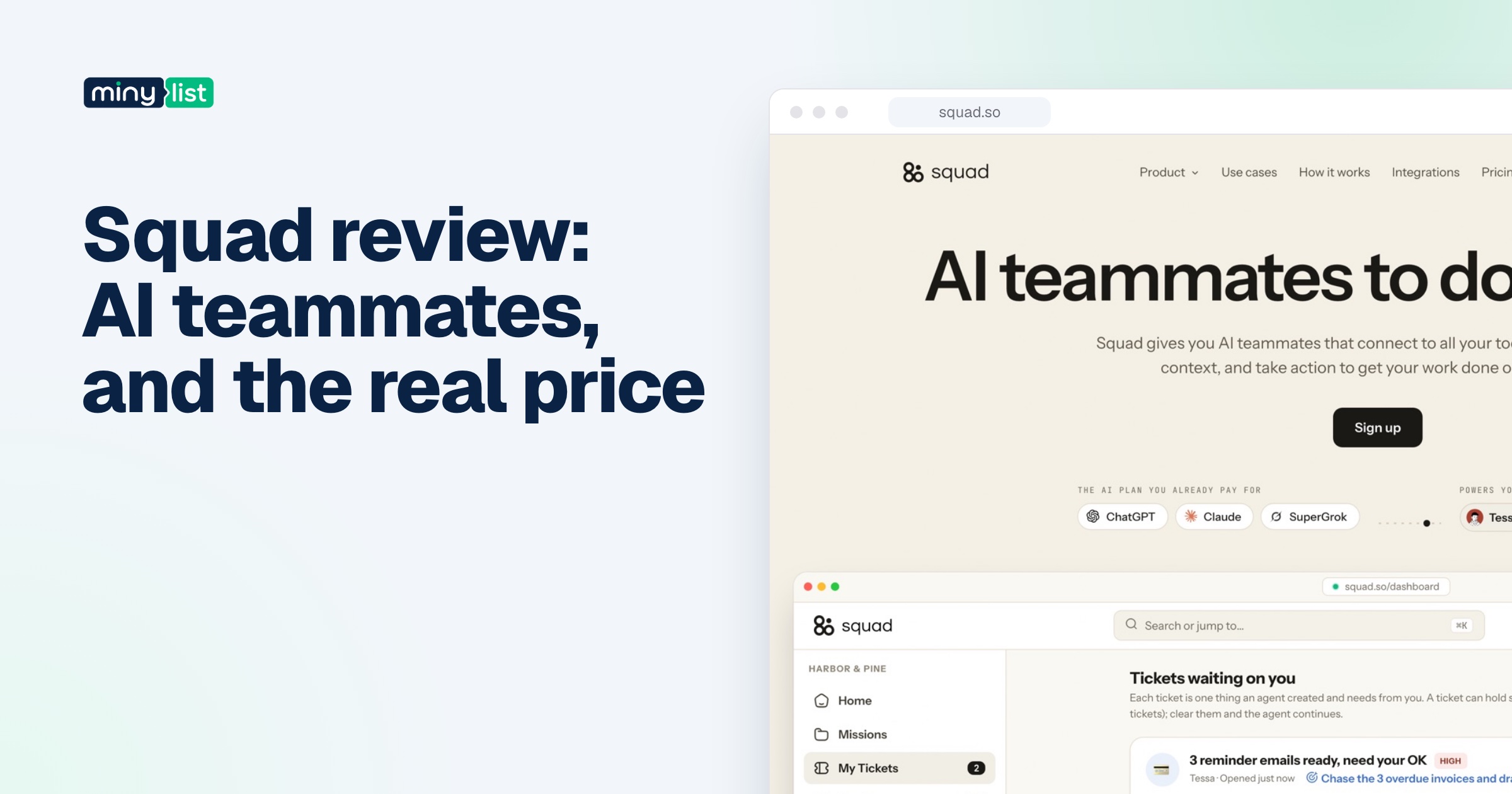
Squad gives you AI teammates, each with one job, one schedule and its own access to your tools, and runs them on the ChatGPT, Claude or Gemini plan you already pay for. It’s the only pick here built for operations rather than production, and it has a feature built for client work: a read-only share link, so a client can see the runs and documents without a login to your tools.
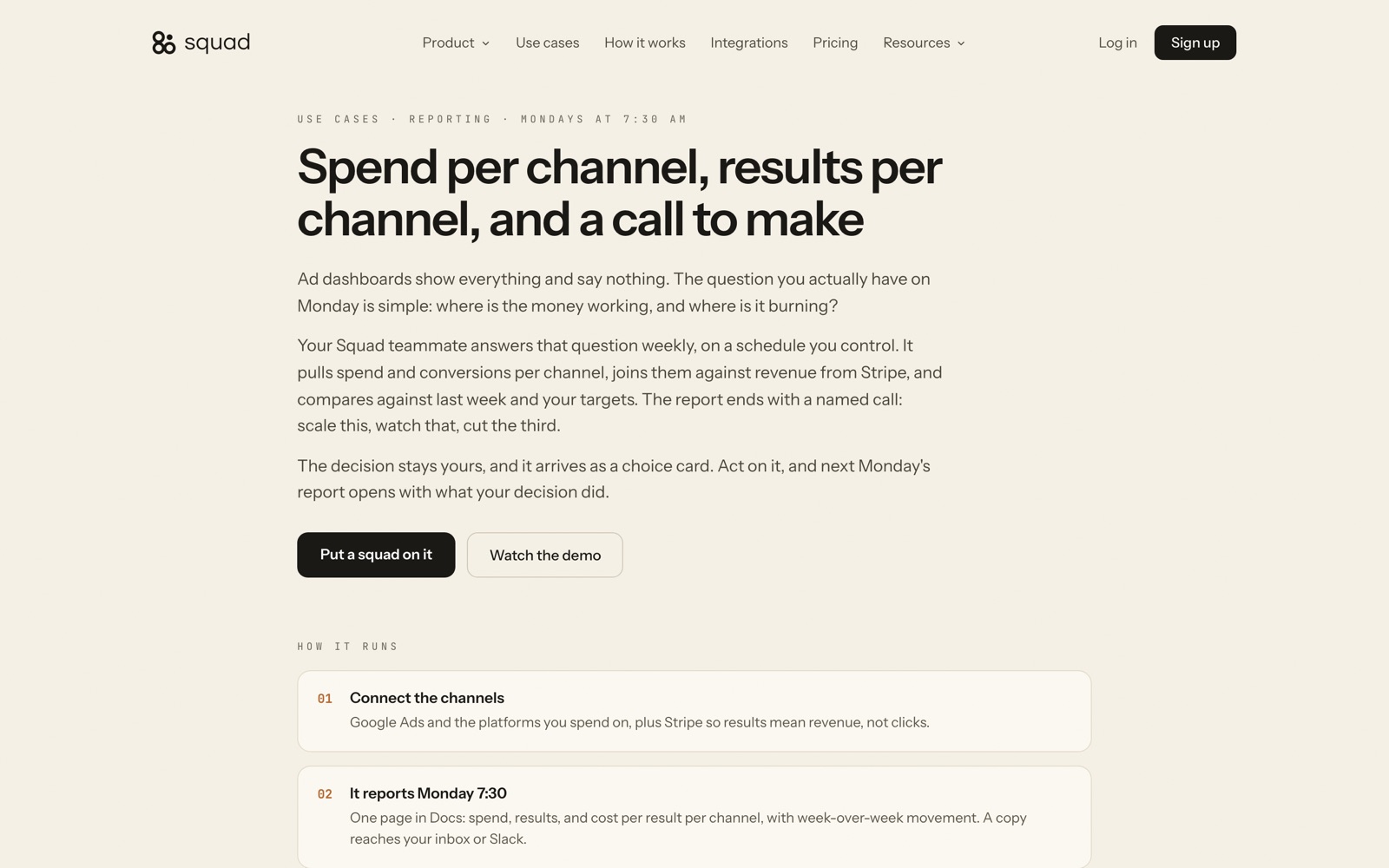
The clearest agency job on Squad’s site is the weekly ad spend report. Every Monday at 7:30 AM, a teammate pulls spend and conversions per channel from Google Ads, joins them to revenue in Stripe, compares the week with the last one and with your targets, and ends with a named call: scale this, watch that, cut the third. You answer with a choice card, and the next Monday’s report opens with what your decision did.
Billing is the other fit. Squad’s own guide to client billing reminders is unusually candid: it suggests built-in accounting reminders for a freelancer with three identical invoices, dedicated accounts-receivable software for an agency sending 40+ clients the same reminders, and Squad only when each client has its own billing day and the invoices need preparing. Squad’s recommended pattern is draft-first: the teammate prepares the reminder, and a person approves it.
Price. One plan, $99 a month, billed monthly, unlimited teammates, with a 7-day money-back guarantee instead of a free trial. The AI isn’t included. Squad suggests a ChatGPT plan at $100 to $200 a month, which puts most setups at $199 to $299 all-in.
The catch. That second bill, and how young the product is. Squad was called MissionControlHQ until August 2026, and we found no independent reviews of it yet. Our Squad review covers the cost math and what to test in the money-back week.
Pick something else if your team already works in Slack all day and wants one assistant everyone can ask. That’s Lindy, and we put the two side by side in Squad vs Lindy.
4. Lindy: best for agencies that live in Slack
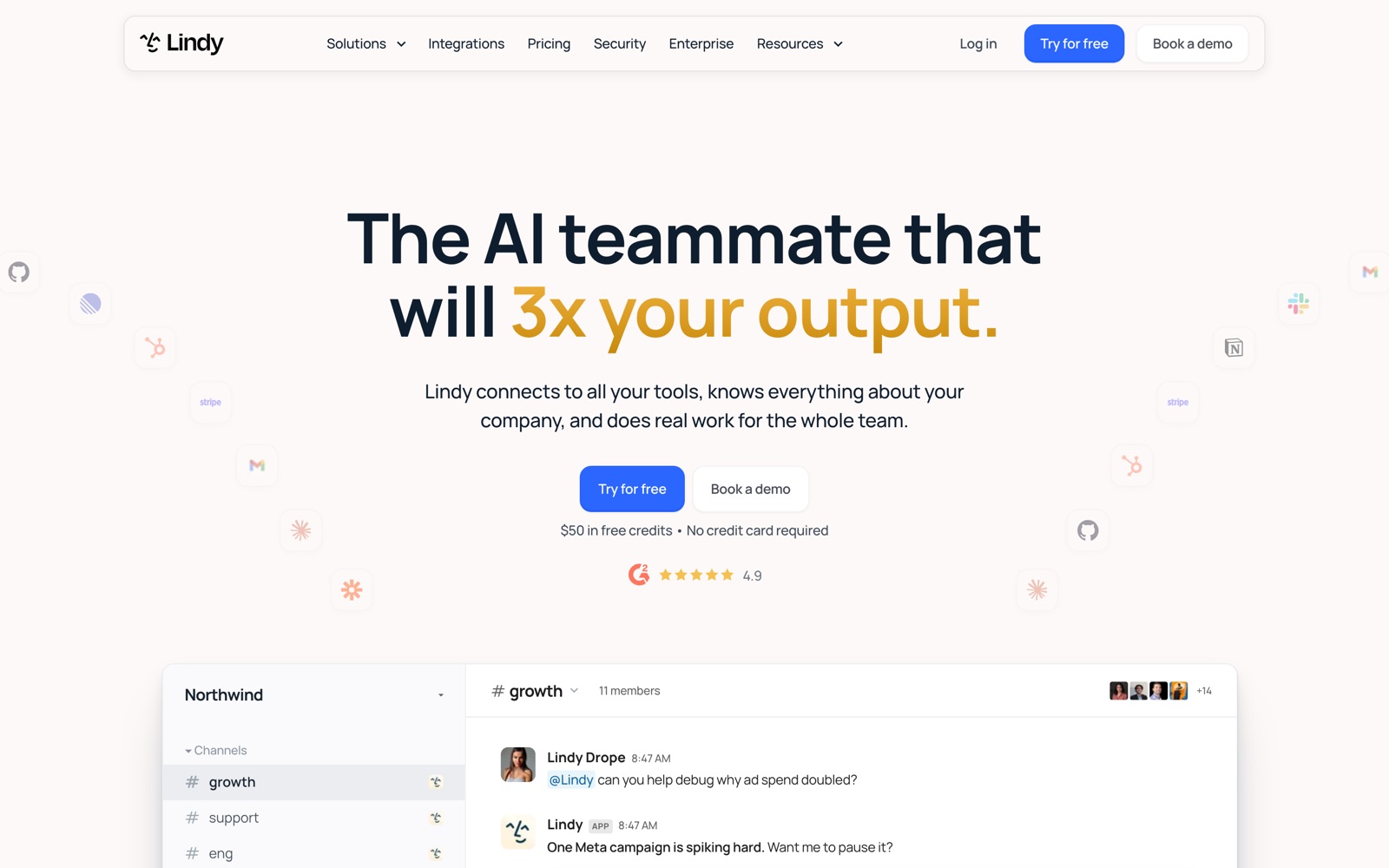
Lindy is one shared AI assistant that lives in your Slack. Anyone on the team @mentions it in a channel, and it answers in the thread or goes and does the work across 1,000+ connected tools. Each person also gets a private Lindy in their DMs for their own inbox, calendar and daily brief.
For an agency, Lindy’s strongest feature is the meeting library. It records Google Meet, Zoom and Teams calls into a shared, searchable library, so “what did the client say about the logo?” gets answered from the transcript instead of someone’s memory. It can then update the CRM or draft the follow-up.
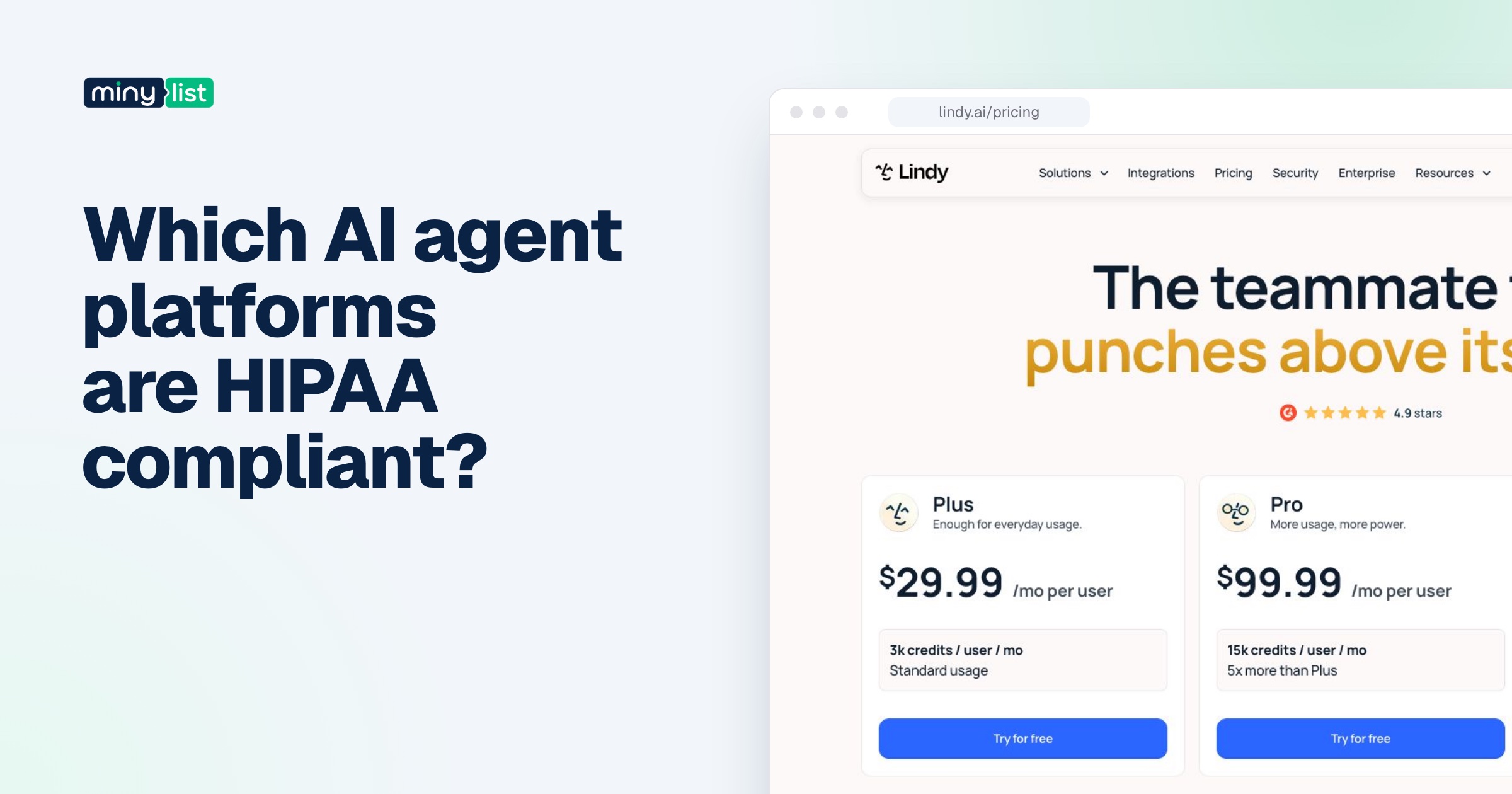
Price. From Lindy’s pricing page, October 1, 2026, all per user per month with the AI included as credits:
- Plus: $29.99 with 3,000 credits.
- Pro: $99.99 with 15,000 credits.
- Max: $199.99 with 35,000 credits.
Credits are about a cent each and are shared across the workspace.
The catch. Seats are counted by use: anyone new who @mentions Lindy in your Slack becomes a billed seat after a free first week. Plan credits don’t roll over, and the work pauses when the shared pool runs out. Its approval guardrails, set per integration, only apply in shared Slack threads, not in DMs or the web app. Set them before anyone touches a client’s inbox.
Pick something else if most of your staff would only use it now and then, or if you already pay for a strong AI plan. Squad’s flat price doesn’t grow with headcount.
Where social posts fit: Typefully, the tool your agents hand off to
Agencies also run client social accounts, and here we’d use a plain tool rather than an agent. Typefully is a writing and scheduling tool for X, LinkedIn, Threads, Bluesky, Mastodon and Substack. It isn’t an agent, but its free plan includes API, MCP and agent access, so an agent can draft posts into a client’s queue and a person approves them there.
The pricing suits agencies because it’s per account set, not per person. Business is $18 a month for each social set, billed yearly, with up to 50 sets and unlimited users. Ten client accounts cost $180 a month. A solo freelancer can stay on Creator at $99 a year.
The four AI agents side by side
| HeyGen | Arcads | Squad | Lindy | |
|---|---|---|---|---|
| Agency job | Client video and translation | Paid-social ad variants | Reports, billing, approvals | Team assistant in Slack |
| The agent | Video Agent: prompt to finished video | Mark: product link to first ads | Teammates, one job each, on a schedule | One shared assistant, @mentioned in Slack |
| Free way in | Free plan, 3 videos a month | Free trial | 7-day money-back guarantee | $50 free credits (homepage) |
| Paid from | $29/month | Not published | $99/month + your AI plan | $29.99 per user a month |
| AI cost | In credits | In credits | Your own ChatGPT, Claude or Gemini plan | In shared credits |
| Client-facing extra | Video comments (Business) | Dubbing into 30+ languages | Read-only client share links | Shared meeting library |
Client data and approvals: what to check first
Agency work runs on other people’s accounts: a client’s ad spend, a client’s inbox, a client’s brand. Before any agent touches them, you need to know where the data goes and what the agent can do without asking. Here’s what each vendor says, with the gaps.
Squad says each customer gets an isolated workspace on its own computer, that your data goes only to the AI provider you picked, and that it doesn’t train on your data. Anything that leaves the building waits for approval, and you can cap how many messages go out a day. Logins sit in a vault on that computer and never appear in chat. One question to ask before you connect a client: which AI account will their data pass through, since it’s your subscription doing the thinking.
Lindy says your data is never sold or used to train models, is encrypted in transit and at rest, and lists SOC 2 Type II and GDPR compliance. Writes are governed per integration (always allow, require approval, or never write), but reads are never guarded, and the guardrails only cover shared Slack threads. A HIPAA agreement and SSO are Enterprise only, which matters if you have healthcare clients.
HeyGen puts SSO on Business and MFA on Enterprise. If a client’s brand assets and likenesses go into custom avatars, read HeyGen’s terms on avatar consent before you upload anyone’s face or voice.
Arcads doesn’t publish its plans, so ask during the trial which plan includes custom avatars and who owns the finished ads.
The pattern we’d follow for any of them: connect one client, start with read-only access where the tool allows it, keep approvals on for anything outbound, and widen access only after a few weeks of runs you’ve checked.
What these AI agents cost an agency each month
Here’s a hypothetical five-person agency, using one agent per job at list prices. Your numbers will differ with seats, credits and how much video you render.
| Job | Agent | Monthly cost | What sets the bill |
|---|---|---|---|
| Client video | HeyGen Creator (one producer) | $29 ($24 billed annually) | Credits per video |
| Ad variants | Arcads | Unknown until sign-up | Credits per finished ad |
| Reports, billing, approvals | Squad + an AI plan | $199 to $299 | Your AI plan’s usage limits |
| Team assistant in Slack | Lindy Plus × 5 people | $149.95 | Seats and shared credits |
| Client social (10 accounts) | Typefully Business | $180 (billed yearly) | Social sets |
Two things stand out. First, you won’t need all of these: an agency that doesn’t do paid social can skip Arcads, and you’d pick Squad or Lindy for operations, rarely both. Second, the cheapest line on the sheet isn’t the one to watch. Credits and seats are what grow, so the numbers that matter are HeyGen’s credits per finished video, Squad’s AI-plan usage, and Lindy’s headcount.
How to choose an AI agent for your agency
Start from the job that costs you the most hours this month, not from the tool.
- You sell video. Start with HeyGen’s free plan on one real client script. If the output passes your creative director, move a producer to Creator.
- You run paid social. Start an Arcads trial with one client’s product link and see what a finished, approved ad costs you in credits before you quote anyone.
- Monday reporting eats a morning. Put Squad’s ad spend report on one client for the money-back week, and judge it on the hours you got back against $199 to $299 a month.
- Your team lives in Slack and loses decisions in calls. Put one person on Lindy Plus, turn on approvals for email and the CRM, and watch the credit pool for a week before inviting everyone.
Whatever you pick, keep approvals on for anything a client sees. Every agent here can draft faster than a person, and none of them knows your client.
For the rest of an agency toolkit, see the must-have tools for marketers and, if you work alone, the must-have tools for freelancers. Every AI agent we’ve reviewed sits in the AI agents category.

 ChatGPT
 Claude
 Perplexity
 Grok
Grok