






The best AI web scraping tools for most people building with LLMs in 2026 are Firecrawl if you want clean Markdown from any page with the least setup, and Crawl4AI if you want the same thing free and open source. If you need data from one popular site (Google Maps, Instagram, a marketplace), Apify’s ready-made scrapers beat both. ScrapingBee, Browse AI and Bright Data cover the rest: getting past blocks, scraping without code, and enterprise volume.
We picked these six from the tools people name most in Reddit threads about scraping for AI agents, the vendors’ own comparison pages, and our catalog. Prices come from each vendor’s pricing page, checked on October 2 and 3, 2026. We haven’t run paid tests on any of them, so speed and success-rate claims are attributed to the vendor or to the people who reported them.
What makes a web scraper “AI” in 2026?
The label gets stuck on everything now, so it’s worth being precise. In this list, an AI web scraping tool does at least one of two things.
First, it returns LLM-ready output. Instead of raw HTML full of navigation, cookie banners and scripts, you get clean Markdown or structured JSON that you can drop into a prompt, a vector database or a RAG pipeline. That saves tokens, and tokens are money.
Second, it uses a model to do the extraction. You describe what you want (“plan names, prices and limits”) or give a JSON schema, and the tool finds the fields. No CSS selectors to write, and nothing to fix when the site moves a div.
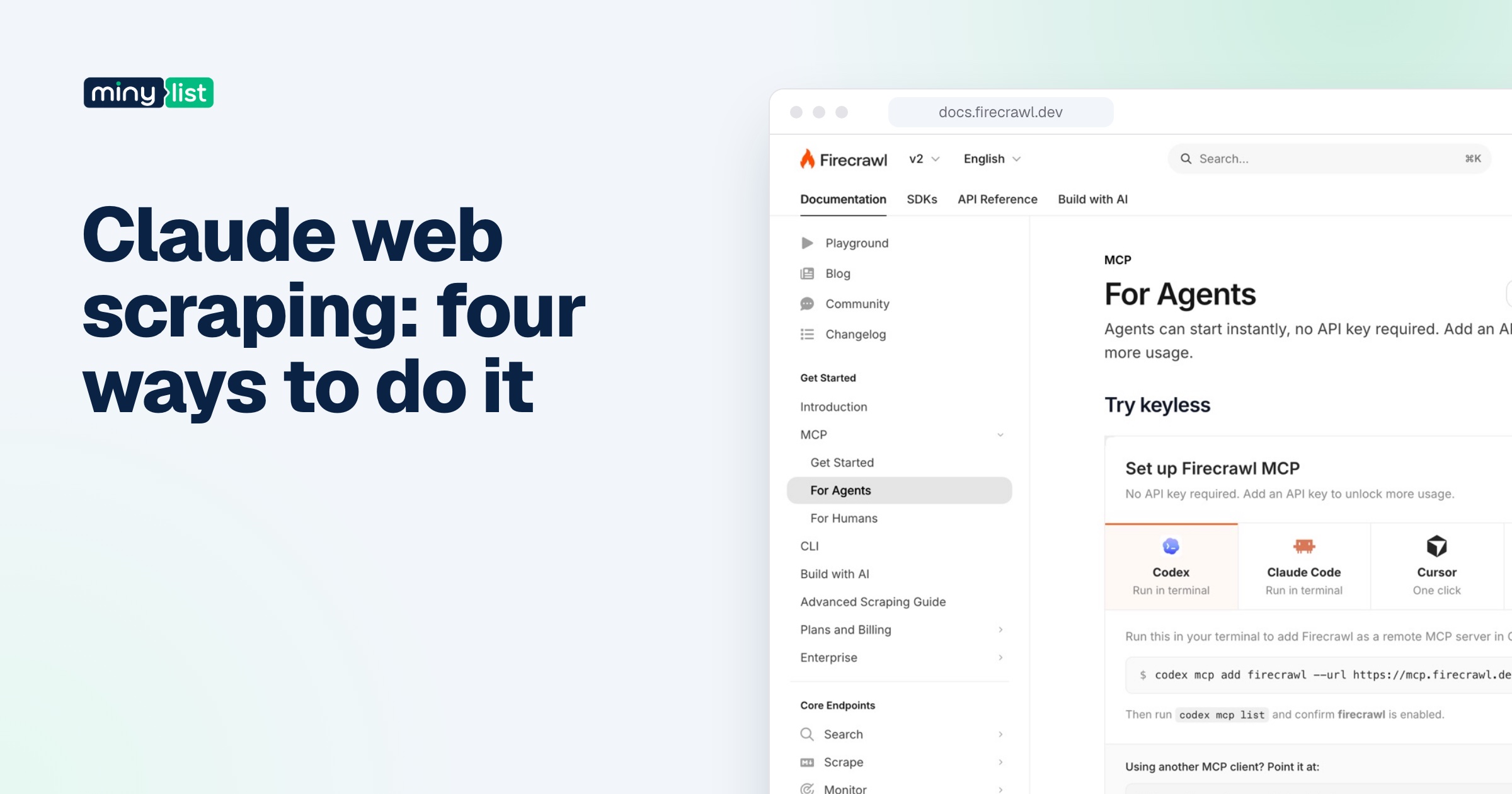
The third thing that changed this year is agent access. Firecrawl, Crawl4AI and Apify all have MCP servers, so Claude Code, Cursor or Codex can call them as tools while they work. If you build with agents, that matters more than any feature table.
How we chose and ranked them
We started from three sources: the tools named alongside “web scraping for AI” in about 160 Reddit threads over the past year, the competitors each vendor compares itself with, and the scraping tools already in our catalog. Then we ranked by one question: for the job this tool is best at, how easy is it to get correct data at a cost you can predict?
What we checked for each:
- Output: Markdown, JSON, raw HTML or rows in a spreadsheet.
- Pricing model: monthly credits, prepaid usage, pay as you go, and whether unused allowance expires.
- Free tier: how far it gets you without a card.
- Agent and developer access: API, SDKs, MCP, no-code.
- The catch: the thing that bites after you’ve committed.
The single most useful thing you can do before choosing is run your three hardest target sites through each free tier, because success rates vary more by site than by vendor.
1. Firecrawl: best for AI apps and agents
Firecrawl is an API that turns any URL into clean Markdown, HTML, JSON or a screenshot. It also searches the web and returns full page content, crawls whole sites, lists every URL on a domain, and can click through pages that need interaction.
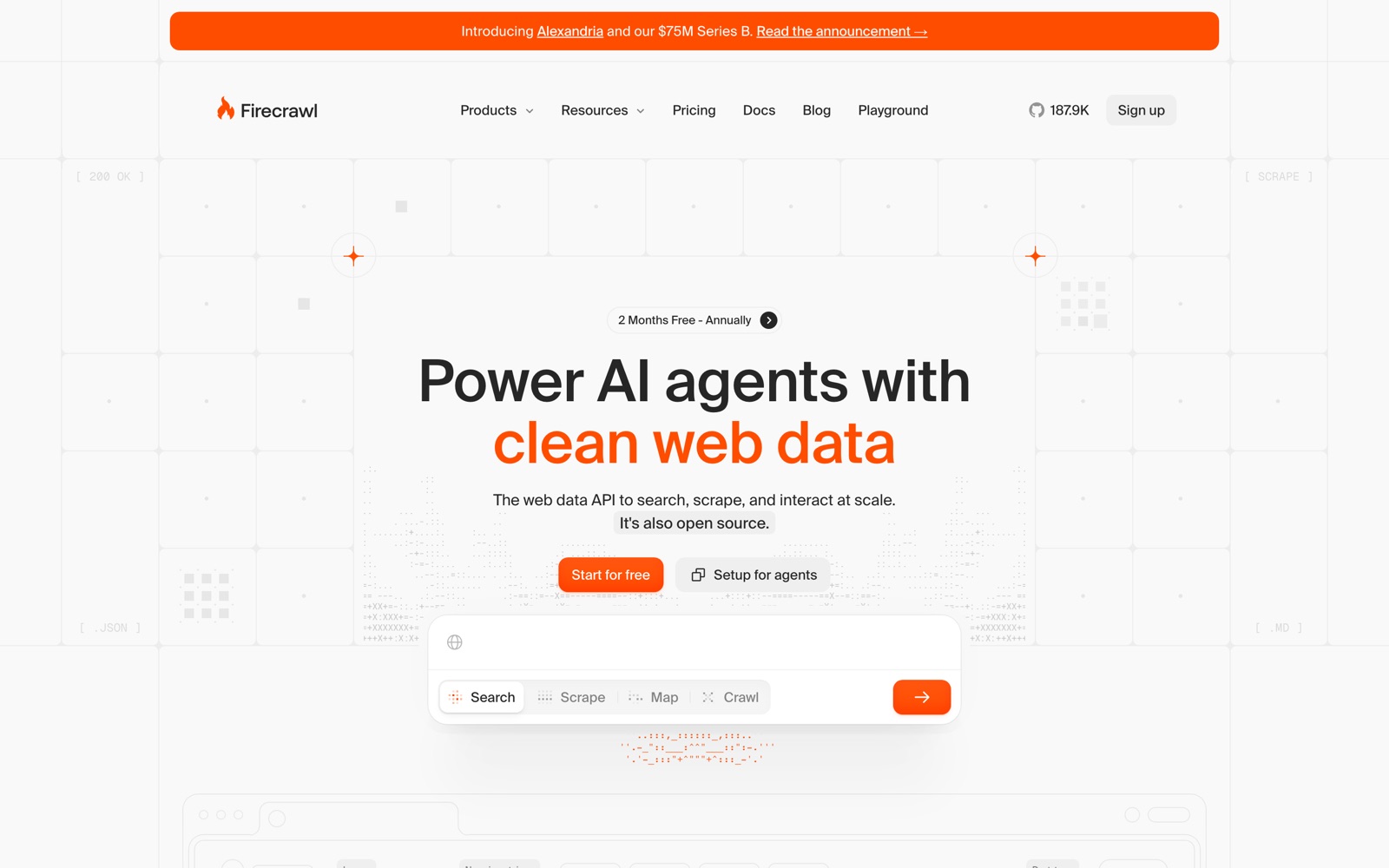
Why it’s first: nothing else on this list gets you from “I need this page in my LLM” to working code as fast. There are SDKs in nine languages, an MCP server your coding agent can add with one command, and a keyless tier for testing. The core is open source under AGPL-3.0, and it raised a $75M Series B in September 2026, so it isn’t going anywhere soon.
Price: free for 1,000 credits a month, then Hobby $19 (5,000 credits), Standard $99 (100,000), Growth $399 and Scale $749, with 16.7% to 20% off yearly. A basic page is 1 credit.
The catch: credits expire every month unless you’re on Scale, and JSON extraction costs 5 credits a page instead of 1. Bursty workloads end up paying for idle months. We go through the full credit math in our Firecrawl review.
Pick something else if your jobs come in spikes with quiet months between them (Crawl4AI’s cloud credits never expire), or if one Apify Actor already covers the site you need.
2. Crawl4AI: best free and open-source option
Crawl4AI is an open-source Python crawler built for LLMs. It produces clean Markdown with boilerplate filters and numbered citations, extracts structured data with CSS, XPath or any LLM, and gives you deep crawling, sessions, proxies and stealth mode. It’s licensed Apache-2.0 and had about 85,000 GitHub stars when we checked.
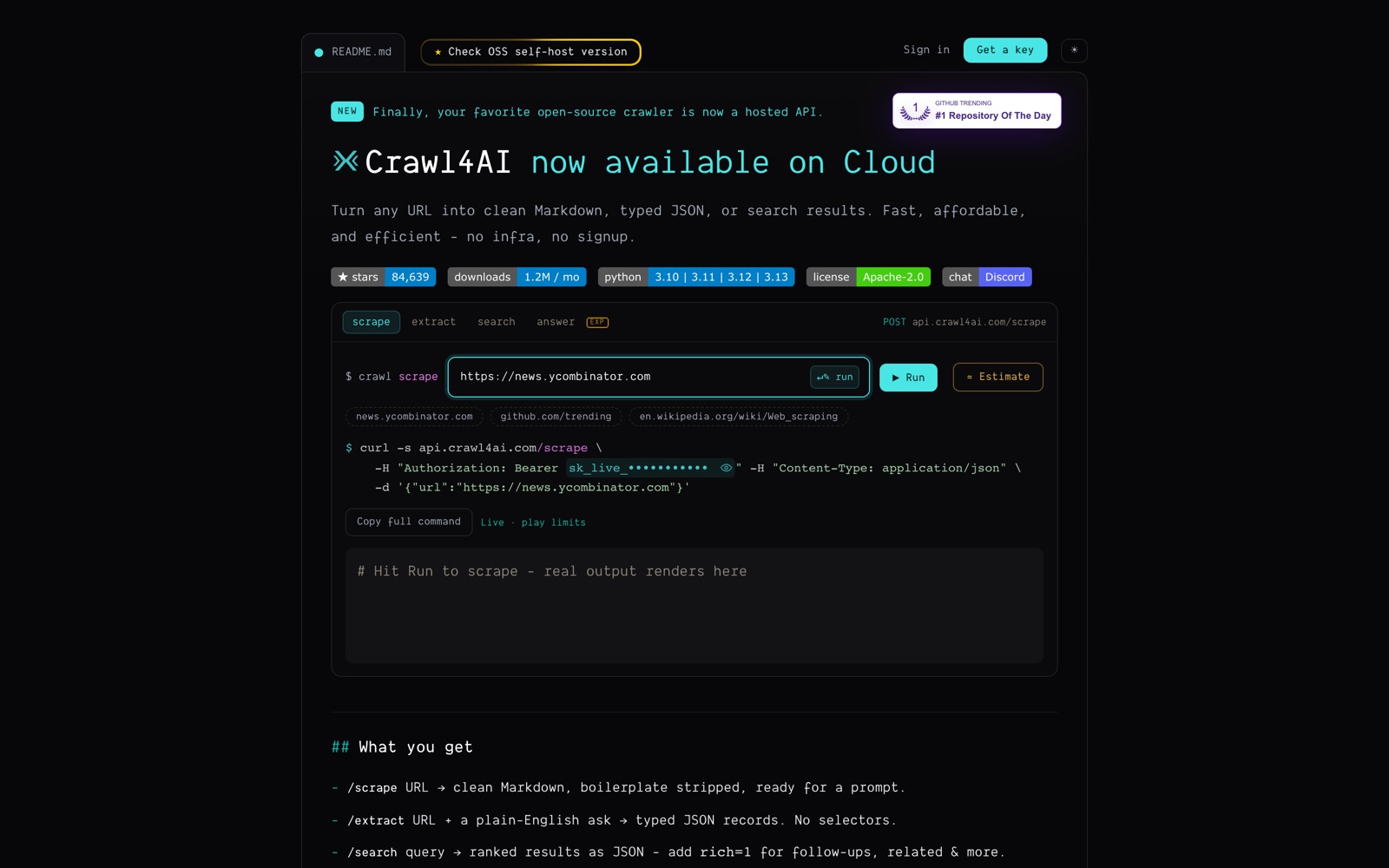
It’s the tool Reddit recommends most when someone complains about paid scrapers’ monthly credits. In one r/n8n thread about exactly that, the top reply was simply that they self-host Crawl4AI with Docker and call it from an HTTP node.
Price: the library and Docker server are free. Crawl4AI Cloud, launched in 2026, charges $0.001 per credit: a light scrape is 0.2 credits, a page that needs a real browser is ten times that, and a search is 0.5 credits. Signup includes $10 of credit until December 31, 2026, and credits never expire.
The catch: self-hosted, you run the browsers, proxies and scaling, and you fight the blocks. The cloud fixes that, but it’s new and its prices are labelled first-year launch pricing that may change.
Pick something else if you don’t write Python or don’t want to run anything; Firecrawl is the managed version of the same idea. We compare the two head to head in Firecrawl vs Crawl4AI.
3. Apify: best for specific sites
Apify is a cloud platform built around a store of almost 80,000 ready-made scrapers it calls Actors. Need Google Maps listings, TikTok videos, Instagram posts or a retailer’s catalog? Someone has probably built and maintains an Actor for it, and you run it with a form or an API call.
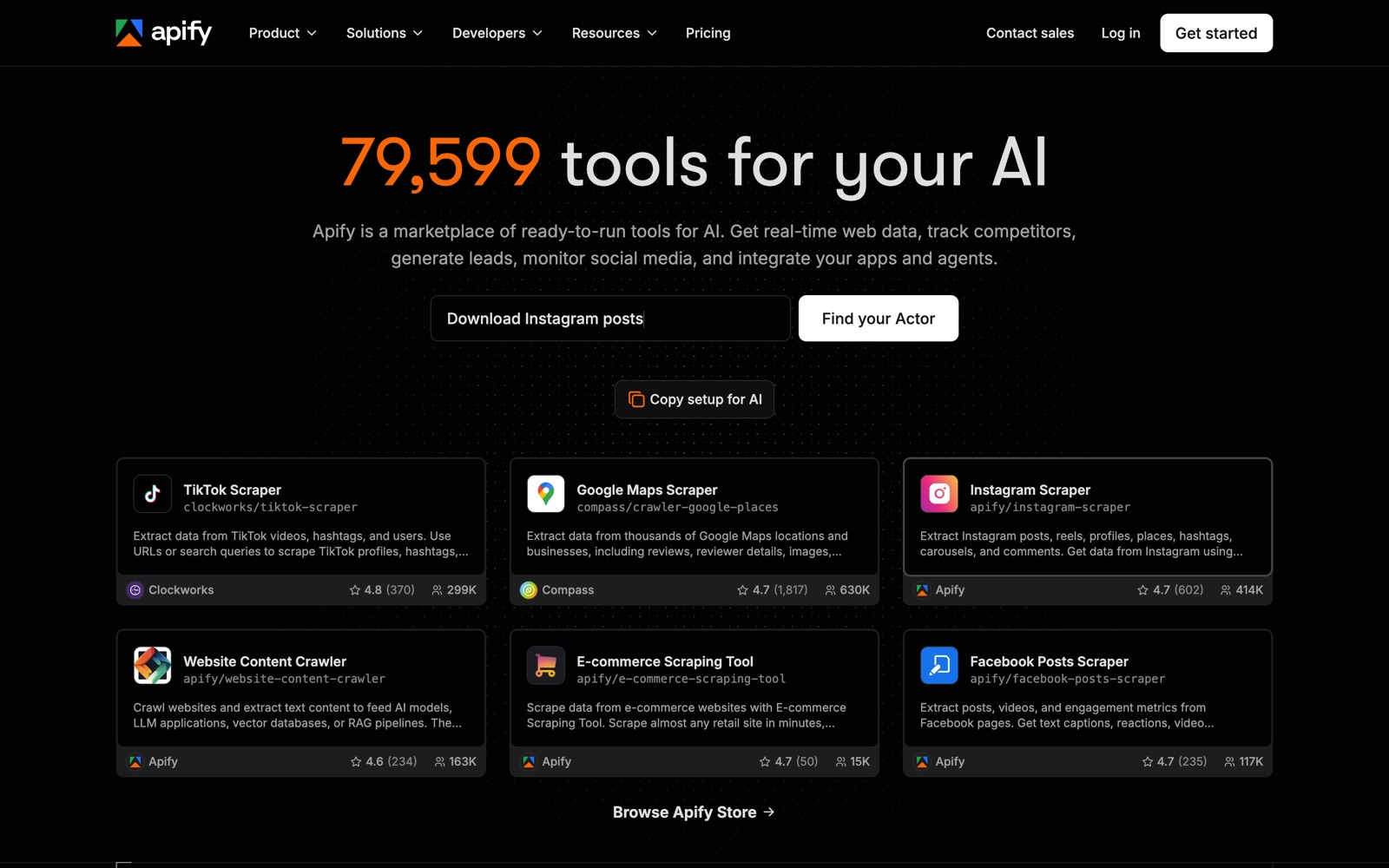
For AI work, the Actor to know is Website Content Crawler, which crawls a site and outputs Markdown for RAG, with integrations for LangChain, LlamaIndex, Pinecone and coding agents.
Price: free with $5 of usage a month, then Starter $19, Scale $199 or Business $999 a month of prepaid usage, plus overage. Usage covers compute units at $0.13 to $0.20 each, proxies, storage and any per-result fee the Actor’s developer charges.
The catch: you can’t know a job’s cost until you run it once, and unused prepaid usage expires monthly. Actors are built by third parties, so quality and upkeep vary.
Pick something else if you just need arbitrary pages as Markdown; a per-page API is easier to budget. See Firecrawl vs Apify.
4. ScrapingBee: best for getting past blocks
ScrapingBee is a web scraping API that handles headless browsers and rotating proxies for you, with an AI extraction option and dedicated endpoints for search results and some major sites. It’s closer to “fetch me this page without getting blocked” than to an LLM toolkit, and it returns raw HTML by default.
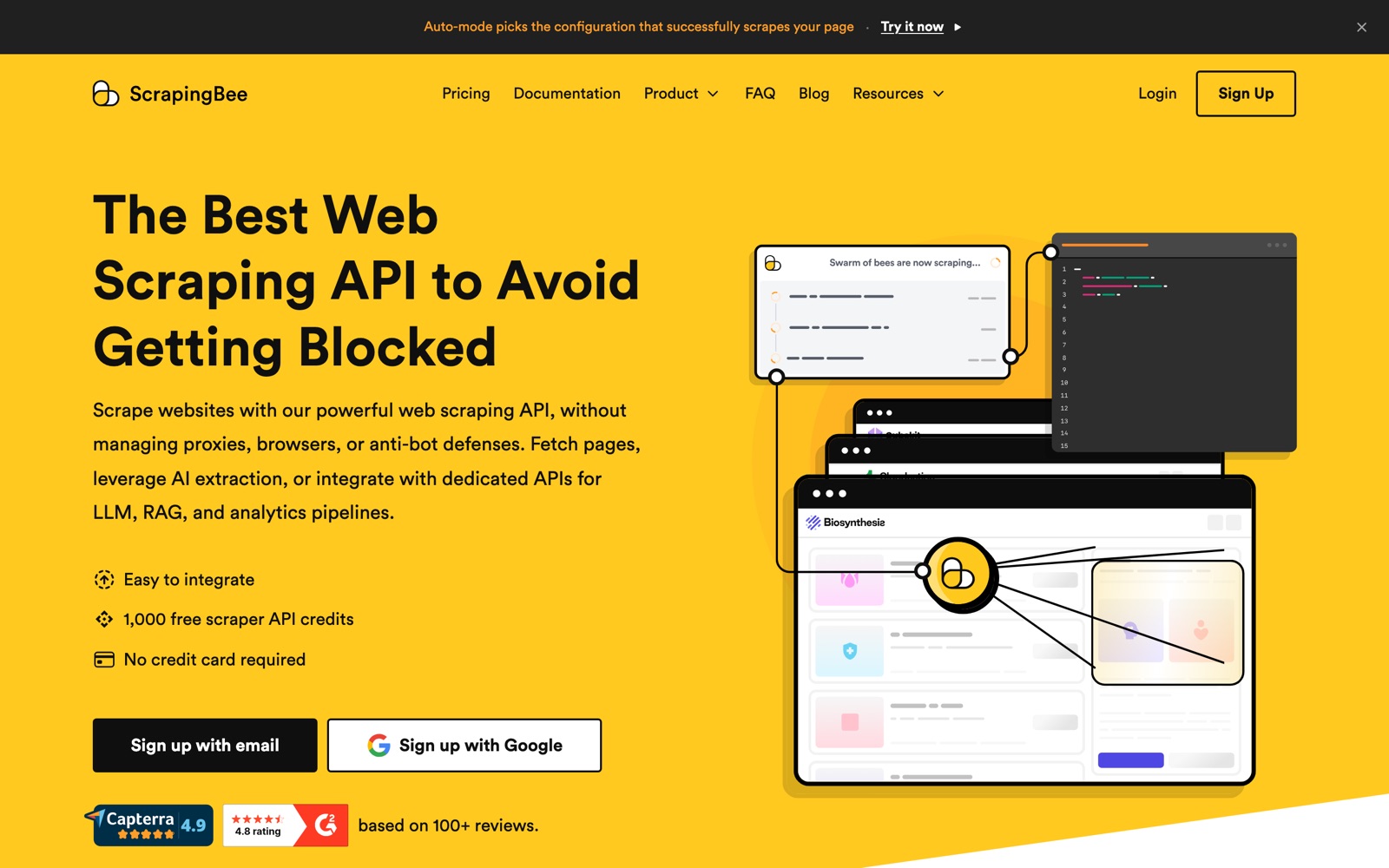
Its most useful feature for hard sites is Auto-Mode: it tries configurations from cheapest to most expensive, stops at the first that works, and charges only for that one. You can cap the cost per request.
Price: 1,000 free API credits, no card. Plans are Hobby $19 a month (75,000 credits), Freelance $49 (250,000), Startup $99 (1,000,000), Business $249 (3,000,000) and Business+ $599 (8,000,000). The credit cost per request is what matters: 1 credit without JavaScript, 5 with JavaScript rendering (the default), 10 or 25 with premium proxies, and 75 with stealth proxies.
The catch: that multiplier. A plan’s headline credit count can mean 75,000 plain requests or 1,000 stealth ones. Output is HTML unless you use extraction, so you’ll still need a cleanup step for LLMs.
Pick something else if you want Markdown for an LLM out of the box; Firecrawl and Crawl4AI do that by default.
5. Browse AI: best no-code option
Browse AI lets non-developers scrape and monitor websites without code. You point it at a page, its AI proposes the columns to extract, you approve, and it becomes a “robot” that can run on a schedule and send rows to Google Sheets, Airtable, Zapier or Make.
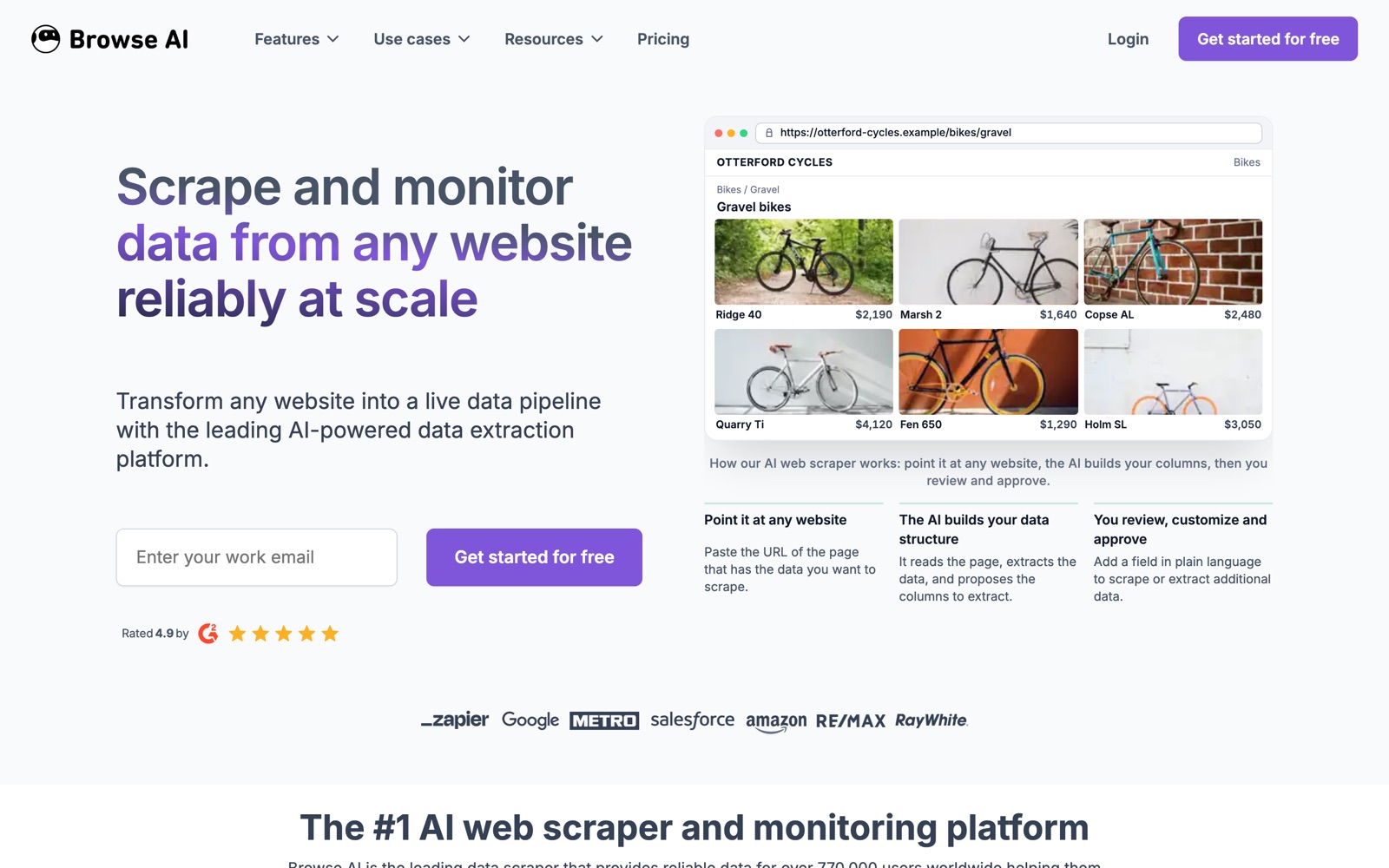
It’s built for monitoring as much as scraping: prices, listings, job posts, competitor pages. That’s a different job from feeding an LLM, and for marketers and ops teams it’s often the more useful one.
Price: free for 50 credits a month (2 domains, 3 users). Personal is $19 a month billed annually for 12,000 credits a year, and Professional $69 a month billed annually for 60,000 credits a year. Premium, a managed service, starts at $500 a month billed annually. One credit extracts 10 rows or one screenshot; sites marked Premium cost 2 to 10 credits per run.
The catch: credits reset at the end of the billing cycle, and the paid plans shown are annual. Monitoring many pages often adds up quickly: Browse AI’s own example of 50 product pages checked every three days is about 500 credits a month.
Pick something else if you’re a developer who wants an API; any of the first four will fit better.
6. Bright Data: best for enterprise scale
Bright Data is the big infrastructure company in this space: a proxy network it says has more than 400 million IPs, unlocker and browser APIs, prebuilt scraper APIs for major sites, ready-made datasets, and managed data collection. It sells to companies that scrape at serious volume.
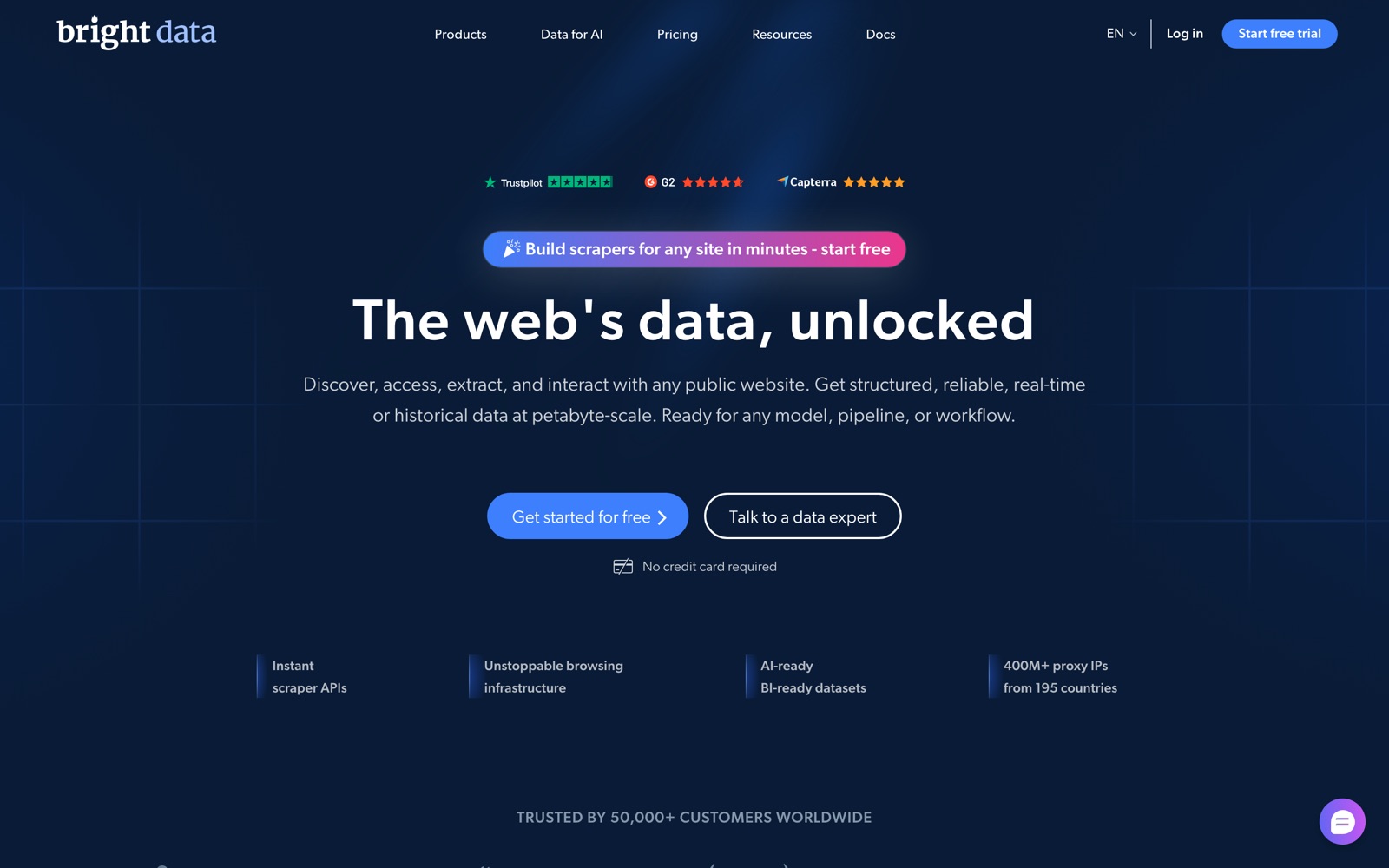
Price: every product has its own meter. The Unlocker, Crawl and SERP APIs start at $1 per 1,000 requests, scraper APIs at $0.75 per 1,000 records (shown discounted from $1), the Browser API at $5 per GB, residential proxies at $2.50 per GB (shown at half off $5), datasets at $250 per 100,000 records, and managed data acquisition at $1,500 a month.
The catch: a full setup means several separate meters, and the more serious products are built for teams with a data engineer. For a small AI project it’s more than you need.
Pick something else if you’re under a few hundred thousand pages a month; Firecrawl or ScrapingBee will be simpler. Bright Data has its own alternatives page here.
Mistakes to avoid when scraping for AI
Most of the money people waste on these tools comes from the same handful of mistakes. We see them again and again in the threads we read for this list.
Pricing pages instead of your pages. A plan that says 100,000 credits doesn’t say how many of your pages that is. JavaScript rendering, premium proxies, JSON extraction and browser minutes all multiply the cost per page, and each vendor multiplies differently. Run a sample of real targets on the free tier and read the usage counter before you choose a plan.
Buying for your peak month. Firecrawl, Apify, ScrapingBee and Browse AI all reset unused allowance at the end of the cycle (Firecrawl’s Scale plan is the exception, and only for one month). If your work is bursty, pick a smaller plan and top up, or use something with non-expiring credits such as Crawl4AI’s cloud.
Extracting JSON from every page. LLM extraction is convenient, and it’s often the most expensive line on the bill: Firecrawl charges 5 credits for a JSON page against 1 for Markdown. Crawl first, filter the pages that matter, and extract only those. For pages with a stable layout, a CSS schema in Crawl4AI costs nothing per page.
Letting an agent loose without a cap. An agent with a scraping tool will happily crawl a whole site to answer one question. Set a spending limit or a usage cap (Firecrawl, Apify and ScrapingBee all support one), and give each project its own key so you can see who spent what.
Ignoring the terms. None of these tools decides whether you’re allowed to scrape a site. Check the site’s terms and robots rules, avoid collecting personal data you don’t need, and be careful with anything behind a login.
Comparison table
| Tool | Best for | Output | Free tier | Paid from | Unused allowance |
|---|---|---|---|---|---|
| Firecrawl | AI apps and agents | Markdown, JSON, HTML, screenshots | 1,000 credits/month | $19/month | Expires monthly (below Scale) |
| Crawl4AI | Free, open source | Markdown, JSON | Free self-hosted; $10 cloud credit | Pay as you go | Cloud credits never expire |
| Apify | Specific popular sites | JSON datasets; Markdown via an Actor | $5 usage/month | $19/month + usage | Expires monthly |
| ScrapingBee | Getting past blocks | HTML; AI extraction | 1,000 credits once | $19/month | Monthly plan credits |
| Browse AI | No-code monitoring | Rows to Sheets, Airtable | 50 credits/month | $19/month (annual) | Resets each cycle |
| Bright Data | Enterprise scale | HTML, JSON, datasets | Free tier on some APIs | $1 per 1,000 requests | Usage-based |
What 10,000 JavaScript-heavy pages a month costs at list prices, without premium proxies (our arithmetic from the pricing pages):
- ScrapingBee: 5 credits each is 50,000 credits, which fits Hobby at $19.
- Crawl4AI Cloud: 2 credits each if a browser renders them is 20,000 credits, or $20 of credit that never expires.
- Firecrawl: 10,000 credits is Hobby plus five $5 top-ups, $44, or Standard at $99 if you’ll grow. Add 40,000 credits if every page needs JSON.
- Apify: depends on the Actor, memory and run time; run a test first.
How to choose
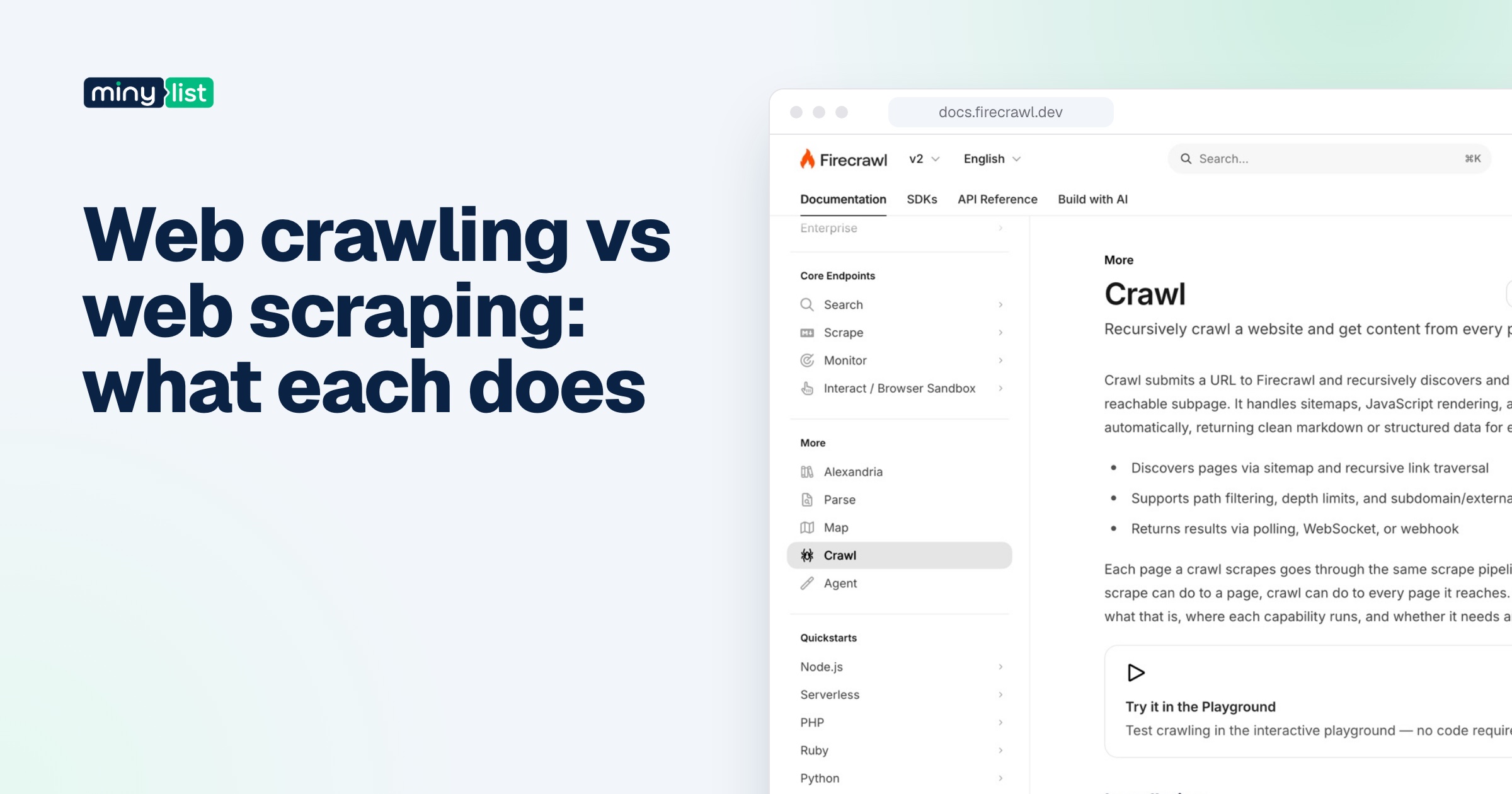
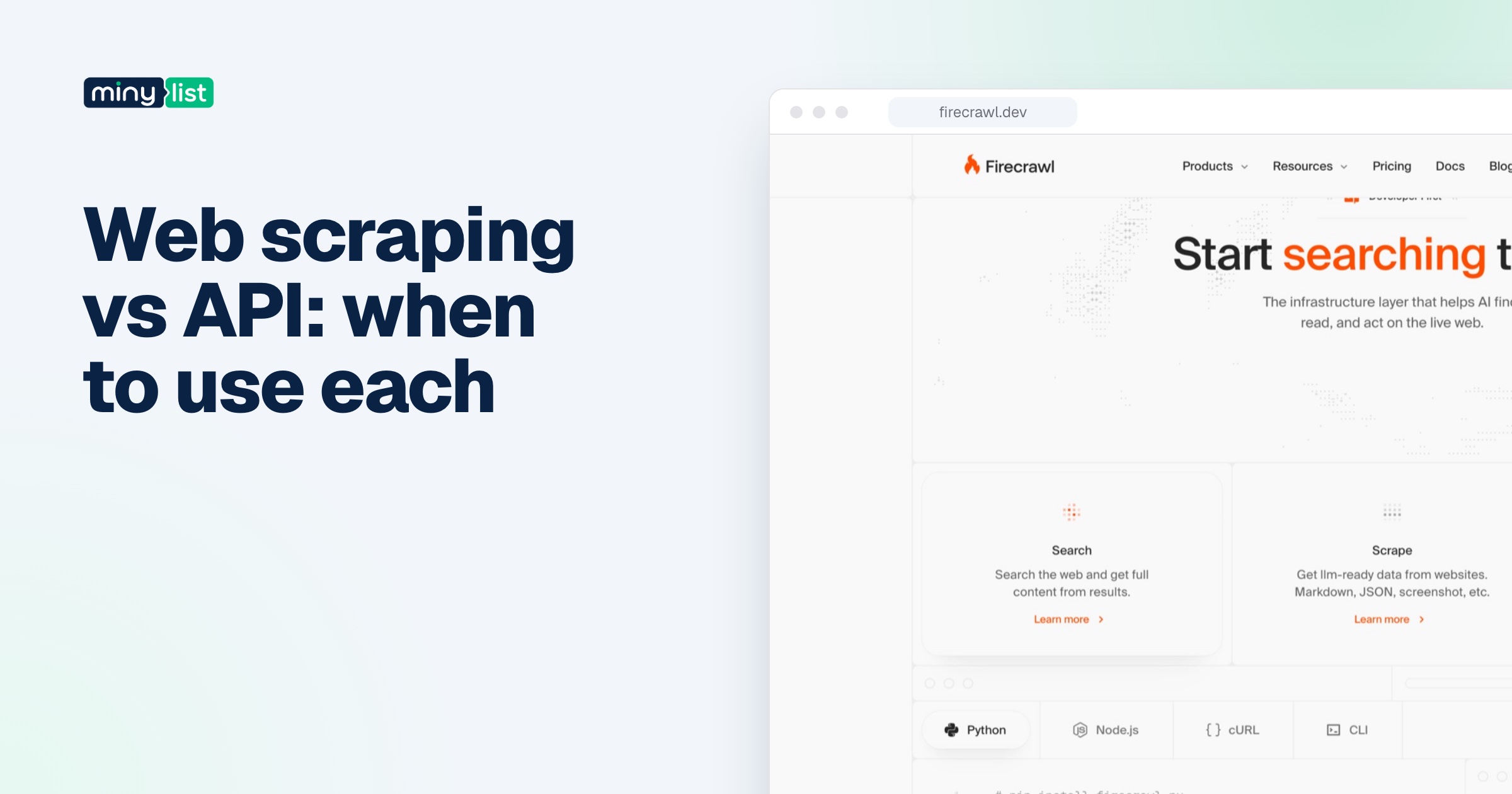
Start from the job, not the feature list. If you’re unsure whether you need a crawler or a scraper, read web crawling vs web scraping first, and if the site might have an official API, web scraping vs API.
A quick way to narrow it down: write one sentence describing the data you need, the sites it lives on, and how often you need it refreshed. The answers to those three questions (any page or specific sites, easy or protected sites, steady or bursty volume) decide most of the choice before price even comes into it. Then use the free tiers to confirm, because every vendor on this list lets you test without a credit card or a sales call.
You’re building an AI app or agent and need web pages in your prompts: start with Firecrawl’s free tier, and compare it with Crawl4AI if you’re comfortable in Python. These are the two built around LLM-ready Markdown.
You need one specific site, like Google Maps for lead lists or Instagram for monitoring: search Apify Store first. A maintained Actor saves you weeks.
Your targets block scrapers: try ScrapingBee’s Auto-Mode with a cost cap, and watch the per-request credits.
You don’t write code: Browse AI, and its free 50 credits are enough to see whether it can read your target pages.
You mainly need search, not scraping: look at search APIs too. Tavily gives 1,000 free API credits a month and then charges $0.008 per credit; Exa gives $10 of free credits a month, with search from $4 per 1,000 requests and page contents at $1 per 1,000 pages.
Whichever you pick, set a spending cap before you connect it to an agent. An agent that can call a scraper in a loop can spend a month’s allowance in an afternoon. For the rest of the tools we’d put around a scraper in an AI stack, see the AI builders stack, and every scraper we’ve reviewed is in the web scraping category.
 ChatGPT
 Claude
 Perplexity
 Grok
Grok