
Web scraping vs API is really a question about who controls the data. An API is a door the site built for you: documented, stable and allowed, but limited to what the owner chooses to expose, at their price and rate. Scraping reads the same pages a person sees and pulls out what you need, with no permission, no stability guarantee and more maintenance. Between the two sits a third option that most comparisons skip: a scraping API, a service you call like an API that does the scraping for you.
We wrote this for people building a product, a data pipeline or an AI agent who need to decide which route to take for each data source. Specific numbers come from vendors’ own docs and pricing pages, checked on October 3, 2026.
Web scraping vs API at a glance
| Official API | Web scraping (DIY) | Scraping API | |
|---|---|---|---|
| Who controls it | The site owner | You | A vendor, for you |
| Data available | What the owner exposes | Anything visible on the page | Anything visible on the page |
| Format | Structured JSON | Raw HTML you parse | HTML, Markdown or JSON |
| Stability | High, versioned | Breaks when the page changes | Better; vendor handles rendering and blocks |
| Permission | Explicit, under API terms | Often unclear; check site terms | Same as DIY: the vendor doesn’t grant permission |
| Limits | Rate limits, quotas, paid tiers | Blocks, CAPTCHAs, IP bans | Credits per page, concurrency |
| Upfront work | Read docs, get a key | Build and maintain a scraper | One API call |
Use the official API when it gives you what you need; scrape only what the API doesn’t cover; and use a scraping API instead of building a scraper unless volume makes running your own cheaper.
When an official API is the right choice
An API is the better choice in most cases where one exists and fits. The reasons are practical.
It’s stable. APIs are versioned. When a site redesigns its pages, your scraper breaks; the API keeps answering the same way.
It’s structured. You get fields with names and types, not HTML you have to parse and clean.
It’s allowed. Using a public API under its terms is the sanctioned way to get the data, which matters for any commercial product.
It’s often richer than the page. APIs frequently expose IDs, timestamps and relationships that never appear on screen.
The costs are the limits the owner sets. GitHub’s REST API is a typical example: its documentation gives unauthenticated requests 60 per hour and an authenticated user 5,000 per hour. That’s plenty for an internal tool and tight for a product that serves thousands of users. Many APIs also gate the useful endpoints behind paid tiers, change their pricing, or shut down access with little notice, which is a business risk you take on either way.
When you have to scrape
Scraping is the answer when the API route fails for one of four reasons.
- There’s no API. Most of the web has none: company websites, blogs, documentation, small e-commerce stores, government pages.
- The API leaves out what you need. Prices, reviews, page text or fields the owner chooses not to expose.
- The API costs more than the data is worth to you. Per-call pricing designed for enterprise customers can make a small project unviable.
- You need what a person sees. For AI work especially, you often want the page as rendered text, which is exactly what an API doesn’t give you.
The costs of DIY scraping are engineering time and fragility. Modern sites build content with JavaScript, so you need a headless browser. Busy sites block repeated requests, so you need proxies. Layouts change, so selectors break. And it’s on you to read the site’s terms and respect robots.txt.
The middle option: scraping APIs
A scraping API is a service that scrapes for you and hands back the result through an API. You send a URL; it runs the browser, rotates proxies, retries blocked requests and returns the page as HTML, Markdown or JSON. You get API-style ergonomics for sites that never built an API.
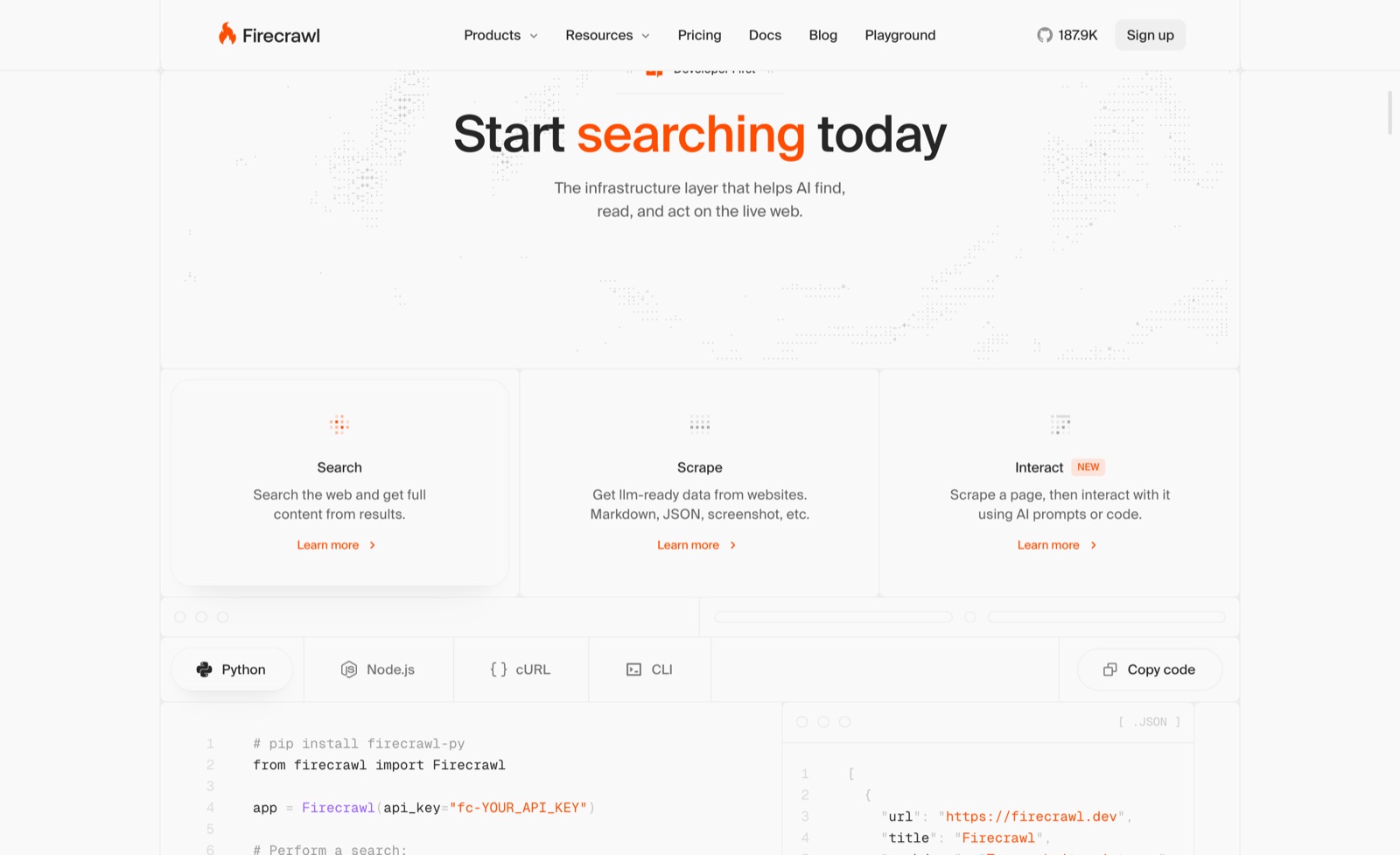
Firecrawl is the clearest example for AI work: one call turns any URL into clean Markdown or JSON, with separate endpoints to crawl a site, list its URLs and search the web. Its pricing starts with 1,000 free credits a month, then $19 for 5,000 credits and $99 for 100,000, at 1 credit per basic page and 5 for JSON extraction.
ScrapingBee is the other common pattern: a general scraping API focused on not getting blocked, which returns HTML by default.
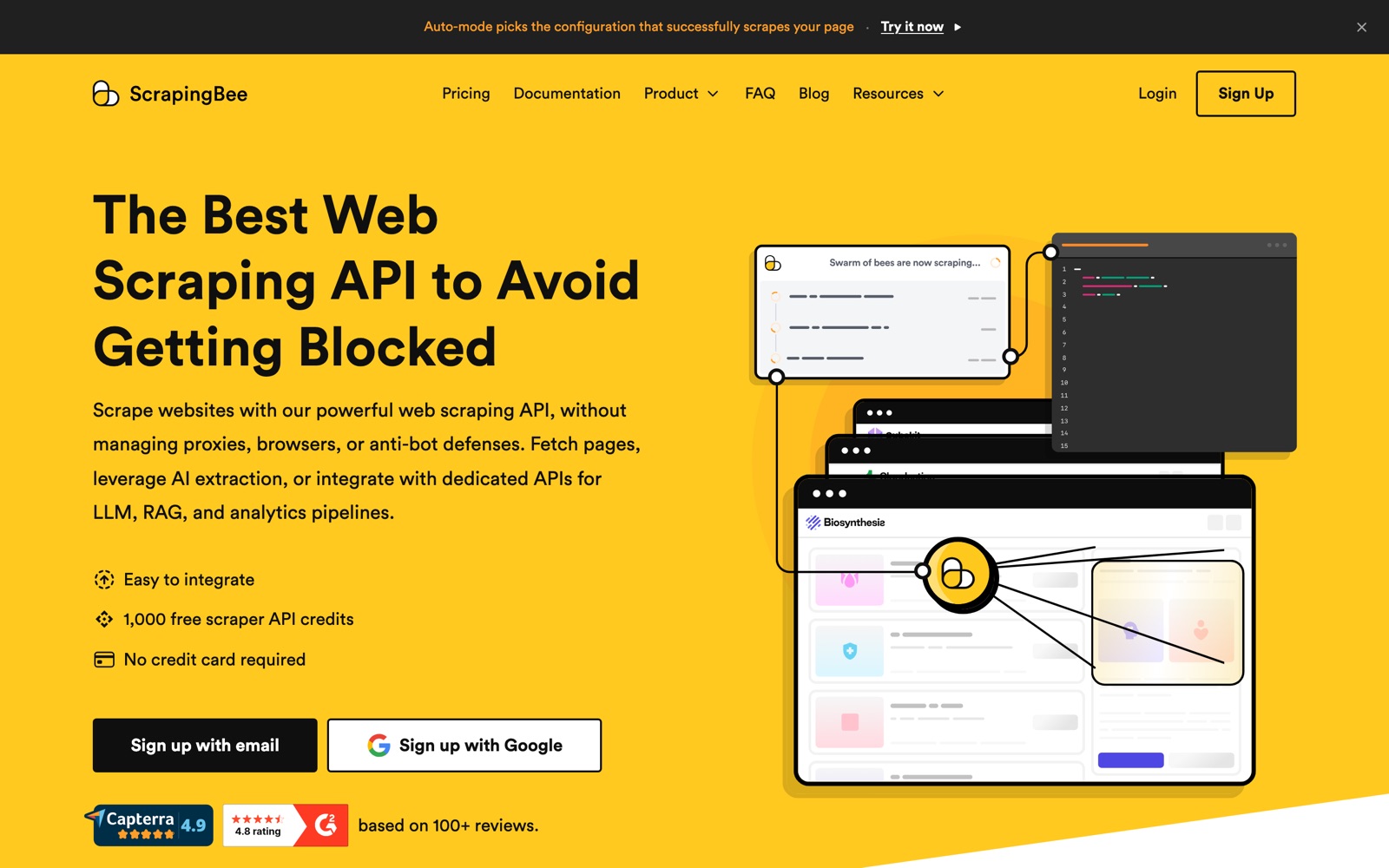
Its credit cost per request shows how scraping APIs price difficulty: 1 credit without JavaScript, 5 with JavaScript rendering (the default), 10 or 25 with premium proxies, and 75 with stealth proxies. Its plans start at $19 a month for 75,000 credits, so the same plan can mean 75,000 easy pages or 1,000 very hard ones.
Apify adds a third model: a store of ready-made scrapers for specific sites, billed by compute time on top of prepaid usage. For a popular site, someone else maintains the scraper, which is the closest thing to an API that doesn’t exist.
The three differ in how they bill, and that difference should drive your choice more than any feature list: Firecrawl bills per page with fixed multipliers, ScrapingBee bills per request by difficulty, and Apify bills compute time plus whatever an Actor’s developer charges. Run the same ten pages through each free tier and compare the usage counters.
What a scraping API doesn’t do is give you permission. It handles the technical side; whether you may collect the data is still governed by the site’s terms and the law.
A decision checklist for each data source
Run every data source through these questions, in order:
- Is there an official API that returns the fields you need? If yes, price it at your expected volume and check its rate limits. If both work, use it.
- Is the data licensed somewhere? Some data is sold or shared by its owners through official programs. Wikipedia’s content, for example, is available through Wikimedia Enterprise, and Firecrawl says it pays Wikimedia Enterprise for direct access through its Alexandria product. Licensed access beats both scraping and grey-area APIs for commercial products.
- Do the site’s terms allow automated access? If they explicitly forbid it, think hard before scraping, and get advice for anything commercial.
- How many pages, how often? Under a few hundred thousand pages a month, a scraping API is almost always cheaper than your engineering time. Above that, compare against self-hosting an open-source crawler like Crawl4AI.
- Does the page need a real browser? If the content loads with JavaScript, budget for rendering, which costs more on every scraping API.
- What happens when it breaks? For a critical pipeline, prefer the API or a maintained scraper and add monitoring either way.
Cost: a worked comparison
Suppose you need the text of 20,000 product pages a month from 15 small online stores, none of which has an API. Here’s what each route looks like at list prices.
DIY scraping. Free software, but you’ll need a headless browser setup, proxies for the stores that block you, and someone to fix selectors when layouts change. The cash cost can be low; the time cost is the real one, and it doesn’t stop.
Firecrawl. 20,000 basic pages is 20,000 credits, so Standard at $99 a month (100,000 credits) covers it with room for growth. If you need structured fields from every page, JSON extraction makes it 100,000 credits, still within Standard.
ScrapingBee. If the stores need JavaScript, 20,000 pages at 5 credits is 100,000 credits, which fits the $49 Freelance plan’s 250,000. Stores that need premium proxies would cost 25 credits a page.
Self-hosted Crawl4AI. No per-page fee. You pay for a server and proxies, and you own the maintenance, as with DIY, but with crawling and clean Markdown already built.
The pattern holds generally: scraping APIs win on time, self-hosting wins on per-page cost at high, steady volume, and official APIs win whenever they exist and fit.
How we’d handle three common sources
To make the checklist concrete, here’s how we’d approach three sources that come up often for small teams. These are our recommendations from the rules above, not tests we ran.
Your own tools (CRM, help desk, billing). Always the API. You own the data, the API is documented, and scraping your own dashboard is fragile for no reason. Most of these tools also offer webhooks, so you get changes pushed instead of polling.
A competitor’s pricing and changelog pages. Scraping, through a scraping API. There’s no API, the pages are public, and you need maybe 20 URLs checked weekly. We’d use a change-monitoring feature or a scheduled scrape that extracts plan names and prices as JSON, which is a few hundred credits a month.
A large directory or marketplace. Check for an official API or data program first, then for a maintained scraper on Apify. Only build your own if neither exists, and read the terms carefully, because directories are the sites most likely to forbid scraping and enforce it.
The common thread: we pick the most stable source that covers the need, and only reach for scraping where nothing better exists.
Signs it’s time to switch routes
The right answer changes as a project grows, so it’s worth revisiting the choice every few months.
Move from scraping to the API when the site launches an API that covers your fields, your scraper breaks more than once a month, or the site starts blocking you consistently. Each fix costs more than the API would.
Move from DIY scraping to a scraping API when you spend more time on proxies, browsers and blocks than on the data itself. That’s usually the point where a $19 to $99 plan pays for itself in hours saved.
Move from a scraping API to self-hosting when your volume is high and steady, your monthly bill is well into the hundreds, and you have someone who’s happy to run infrastructure. Open-source crawlers remove the per-page fee but not the work.
Move from an API to licensed data when your product depends commercially on one source. A formal agreement protects you from sudden pricing or access changes better than any API terms do.
Mistakes people make choosing between them
Scraping a site that has a good API. It’s more work, more fragile, and often against the terms. Check for an API first, including undocumented-but-public JSON endpoints the site itself uses, and read the terms on those too.
Assuming the API is free forever. APIs change pricing and access rules. Keep your data layer modular so you can switch sources.
Building a scraper for one-off jobs. For a few thousand pages, a scraping API’s free tier or a cheap plan is faster than writing code.
Ignoring the cost multipliers. JavaScript rendering, premium proxies and LLM extraction can multiply a scraping API’s per-page cost by 5 to 75 times. Test real pages before you budget.
Treating a scraping API as permission. It isn’t. The vendor handles the technology; the legal question is still yours.
For AI agents, the answer is usually both
AI agents are where this question comes up most in 2026. An agent that answers questions about the world needs search, page content and sometimes structured data, from sources that mostly don’t have APIs. The practical setup is a scraping API connected as a tool, plus official APIs for the few sources that have good ones (your CRM, your database, GitHub).
Firecrawl, Crawl4AI and Apify all offer MCP servers, so agents in Claude Code, Cursor or Codex can call them directly. Set a spending cap before you do, because an agent can call a scraper in a loop. For a ranked comparison of the scraping tools, see the best AI web scraping tools and our Firecrawl review and Firecrawl vs Apify. For the rest of the AI stack around them, see the AI builders stack.




 ChatGPT
 Claude
 Perplexity
 Grok
Grok